
Published: Apr 13, 2026 by Isaac Johnson
Microsoft recently rolled out MAI, a Microsoft AI playground that can do images. Just images. I learned about it from this Decrypt article. I wanted to try it and compare its performance and output to some of the other tools I use often; Midjourney, Gemini (Nanabanana 2) and Copilot itself.
I’ll look at a few different types of generation including horror, nice images, retro (likely copyrighted), diagrams and lettering.
Let’s start with good old Gordon Shumway…
MAI 2
I tried a few ways to ask for ALF
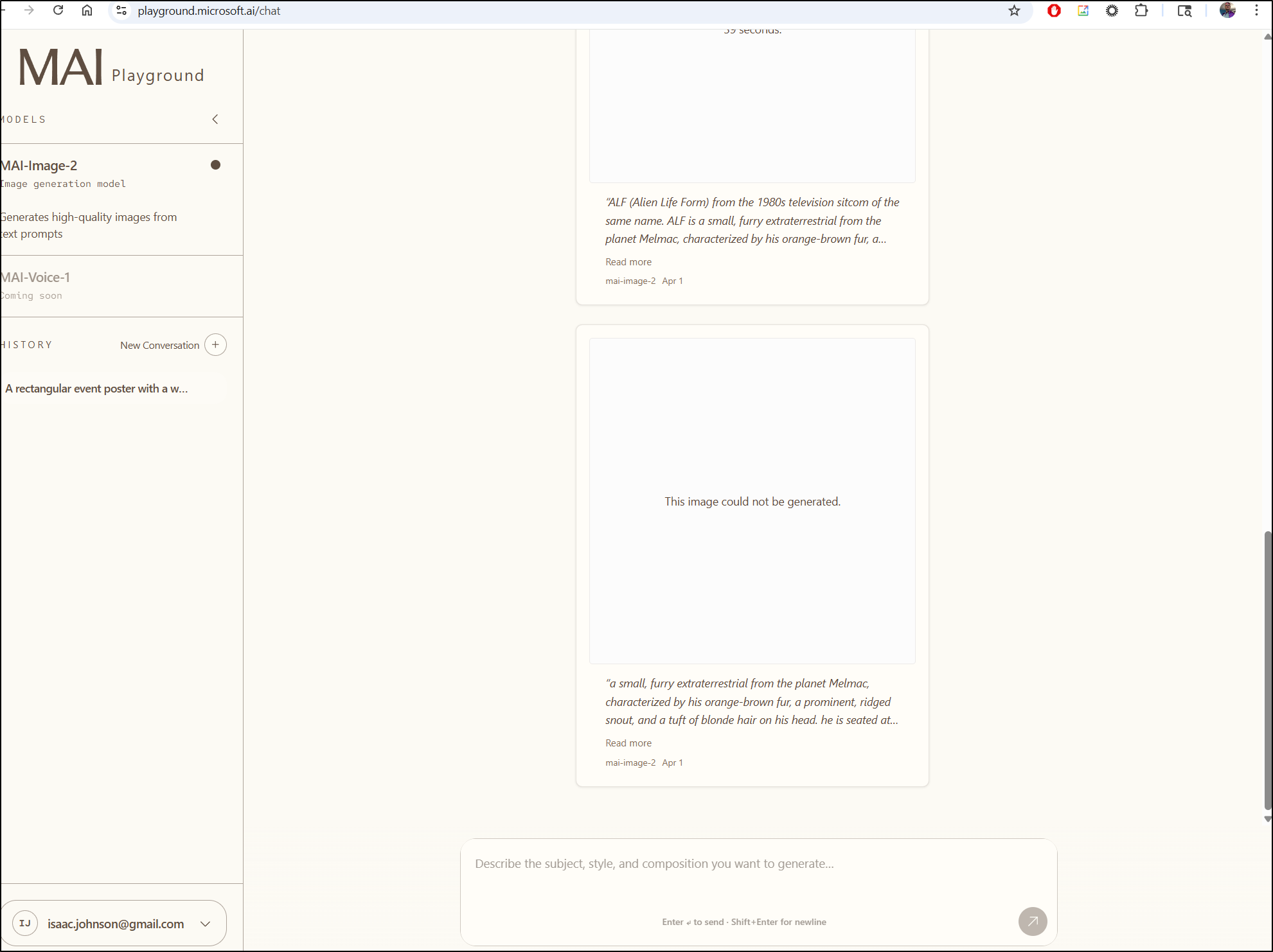
Even the most generic was blocked
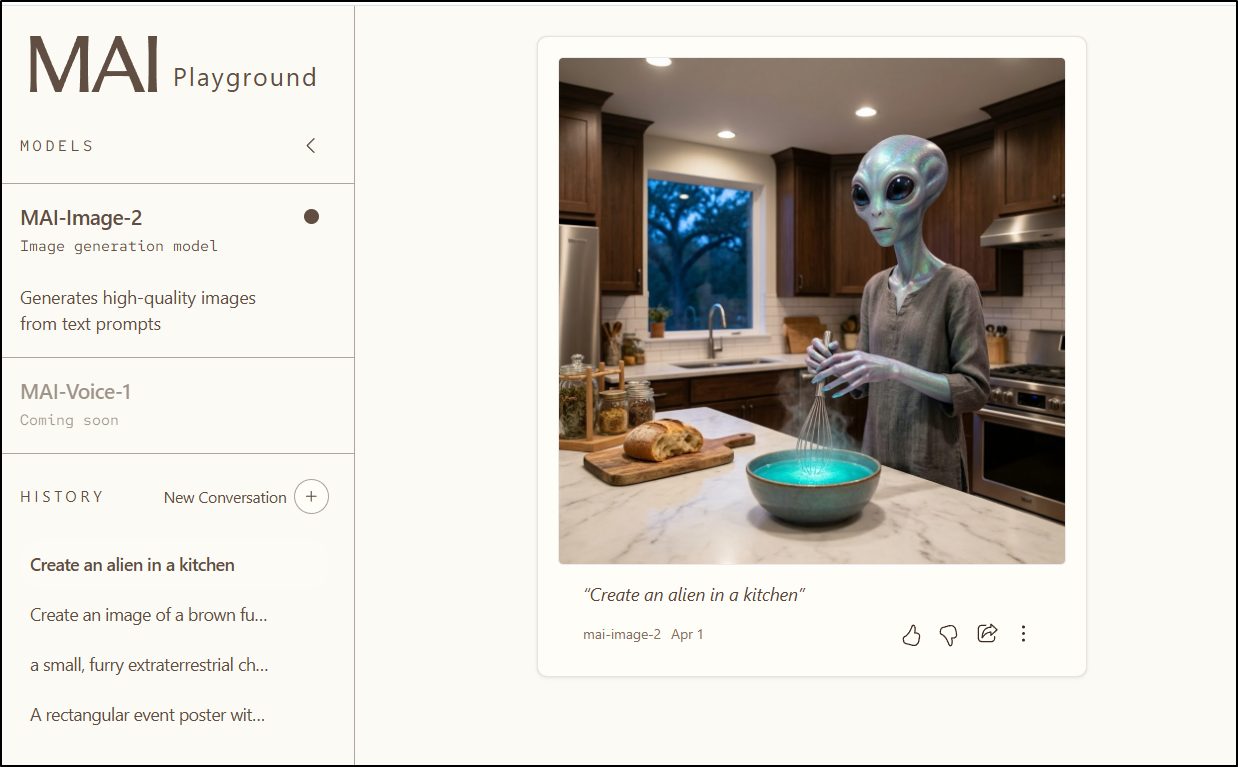
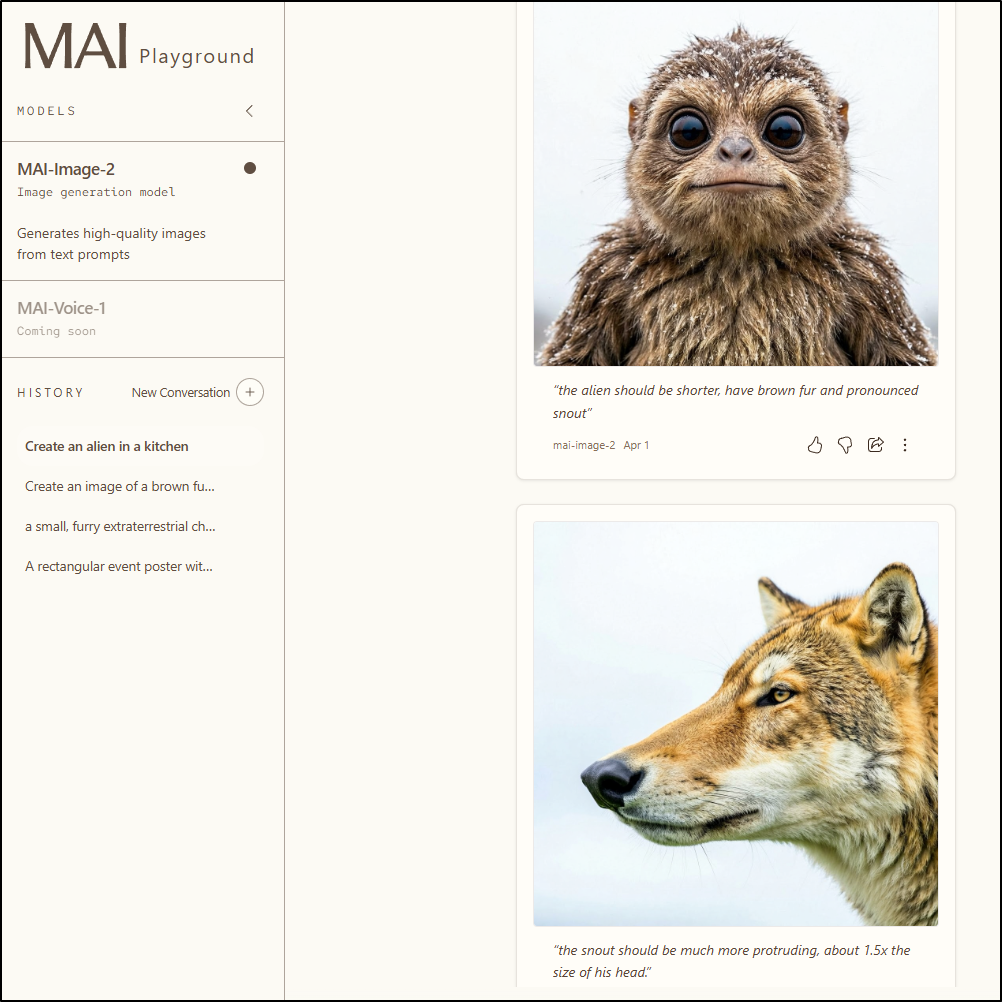
I could do an alien in a kitchen at least
As soon as I asked for refinement it lost the context of the kitchen, however. And when I asked to refine the nose, it lost the character and just gave me a kind of dog or fox
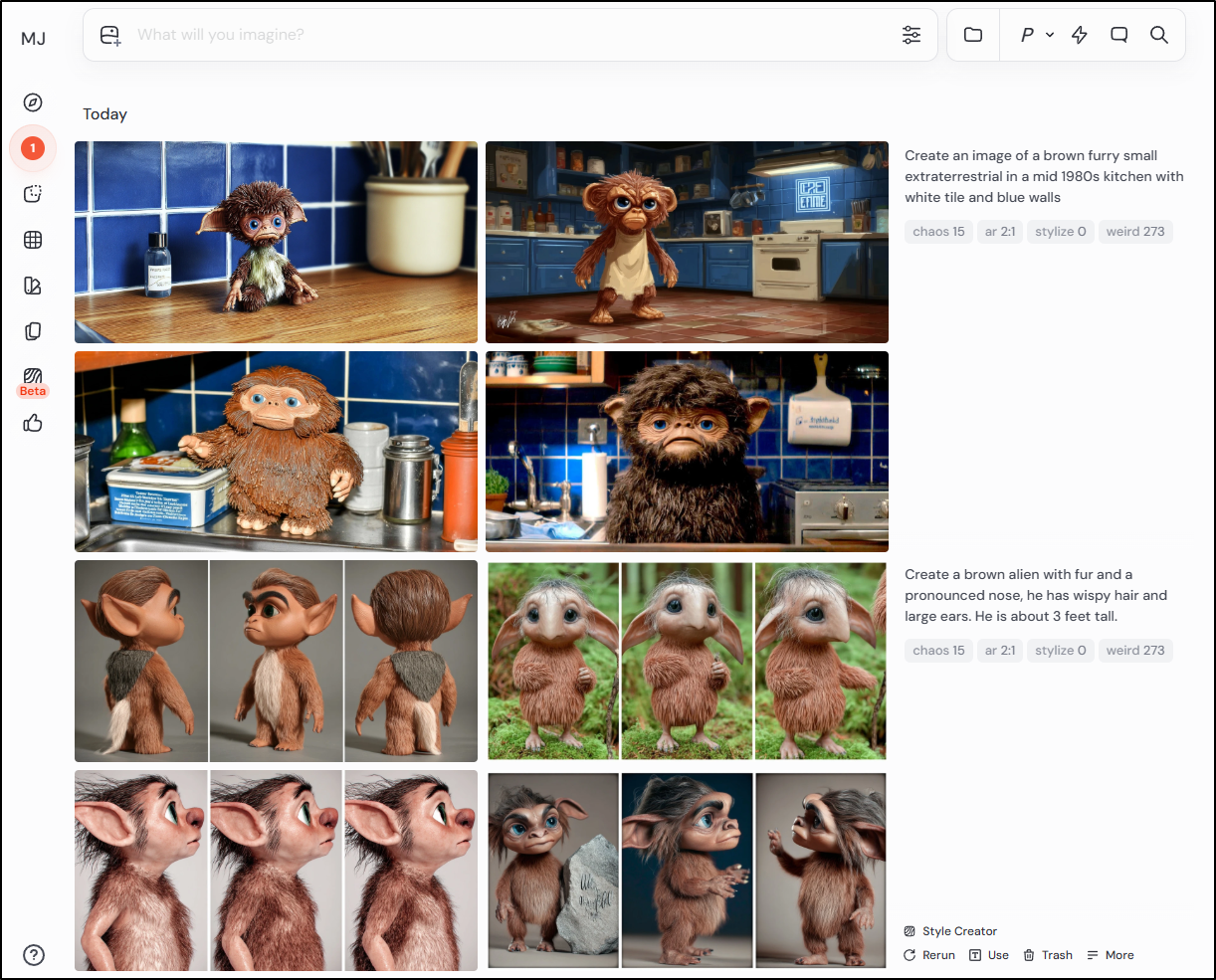
These same prompts work just fine with MJ
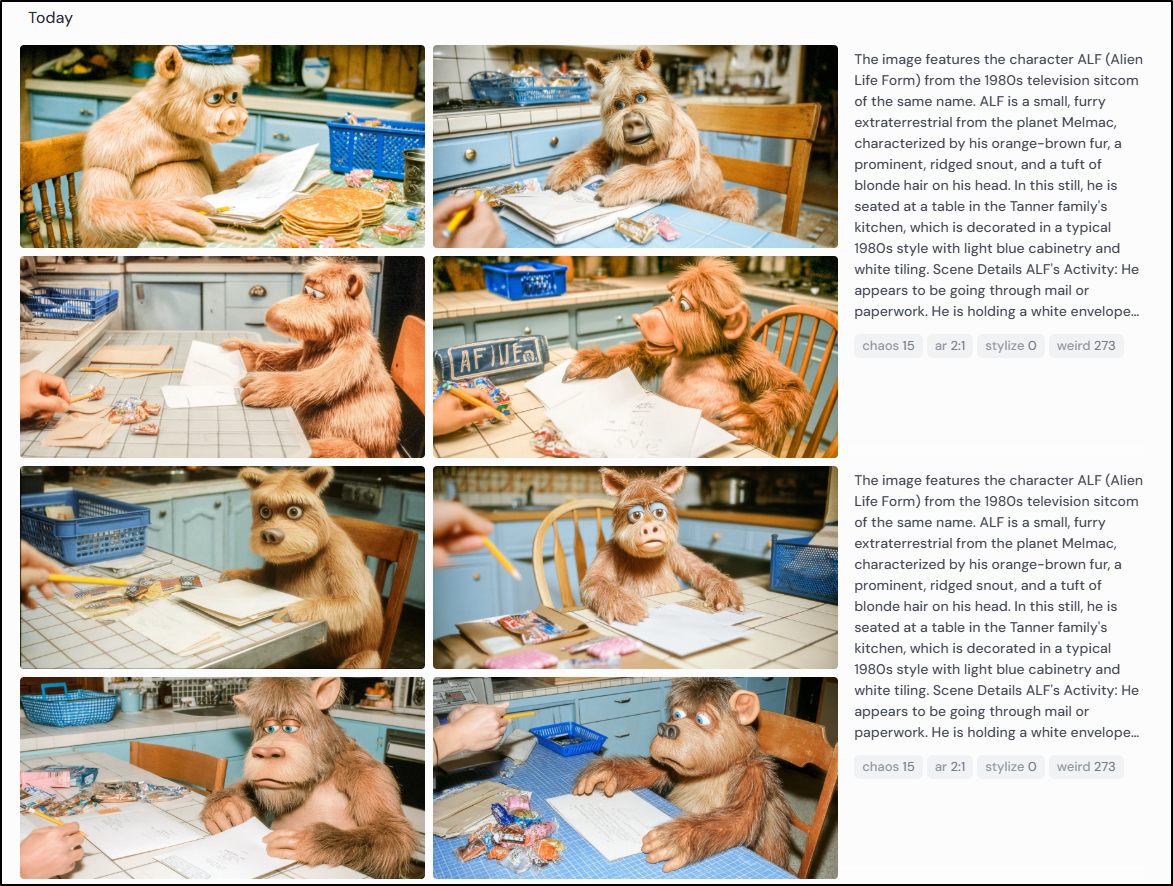
I tried dumping the full descriptive writeup from Gemini into MJ to see what it would return, strange but close
I think it’s interesting Microsoft even has an AI image play now, but I cannot think what it would be useful for.
Diagrams
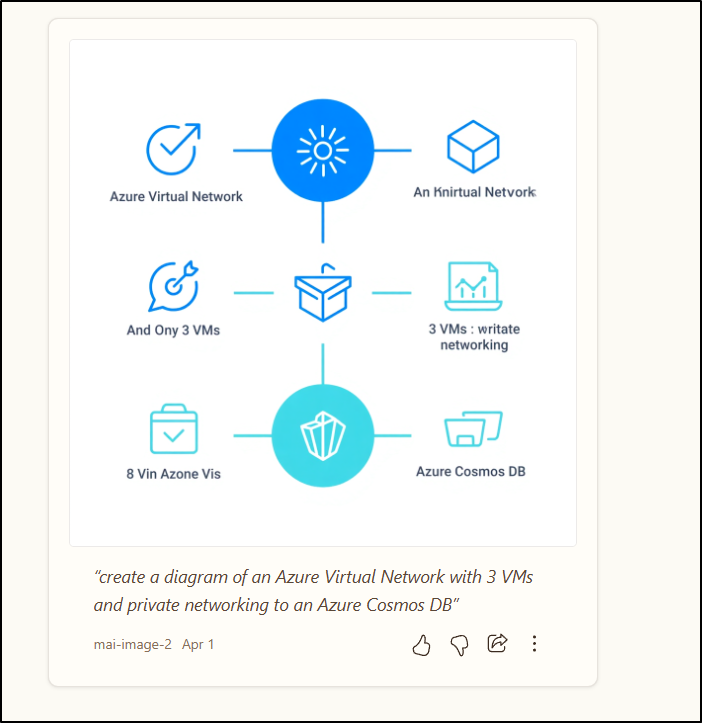
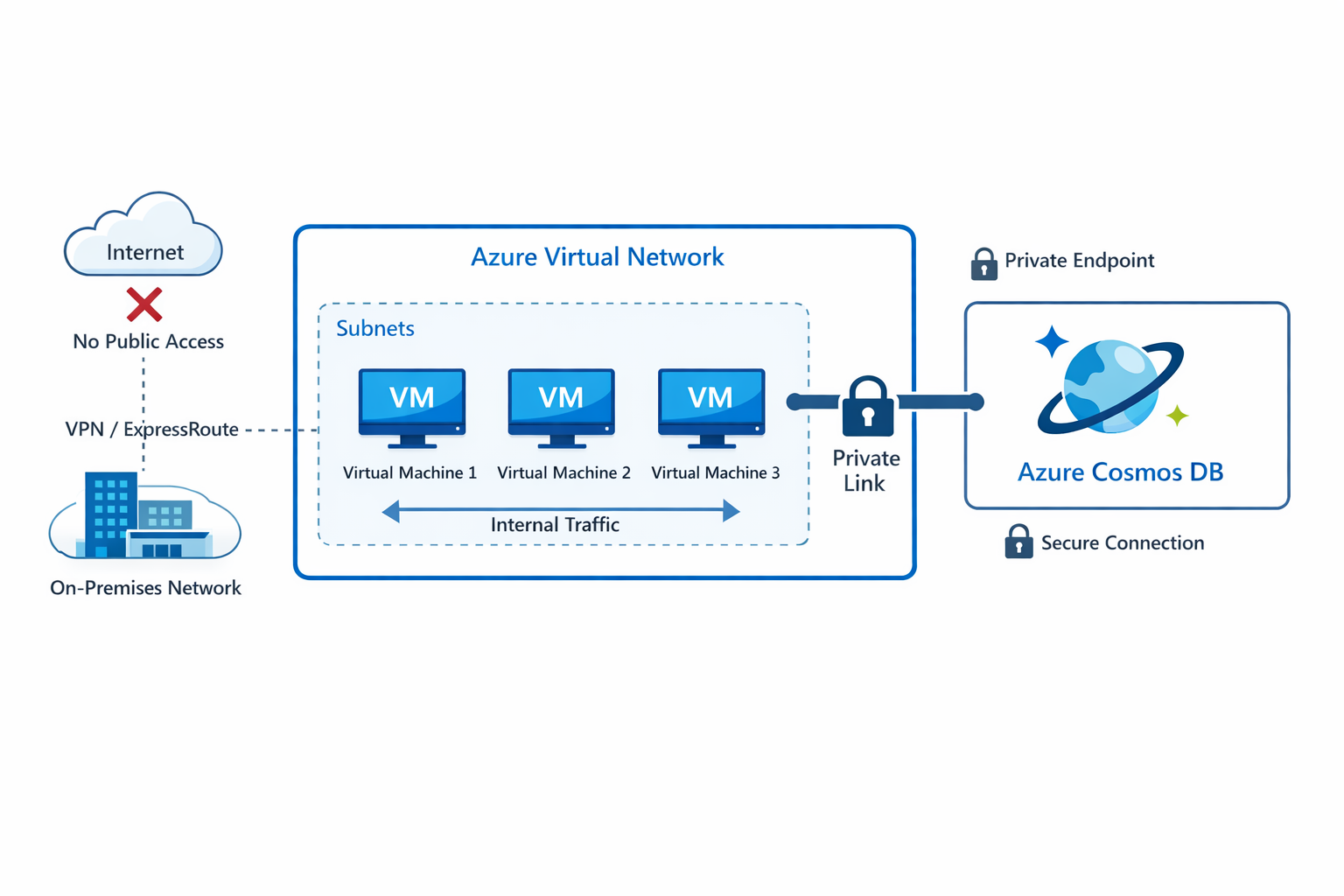
Let’s just compare how well these do diagrams from a prompt
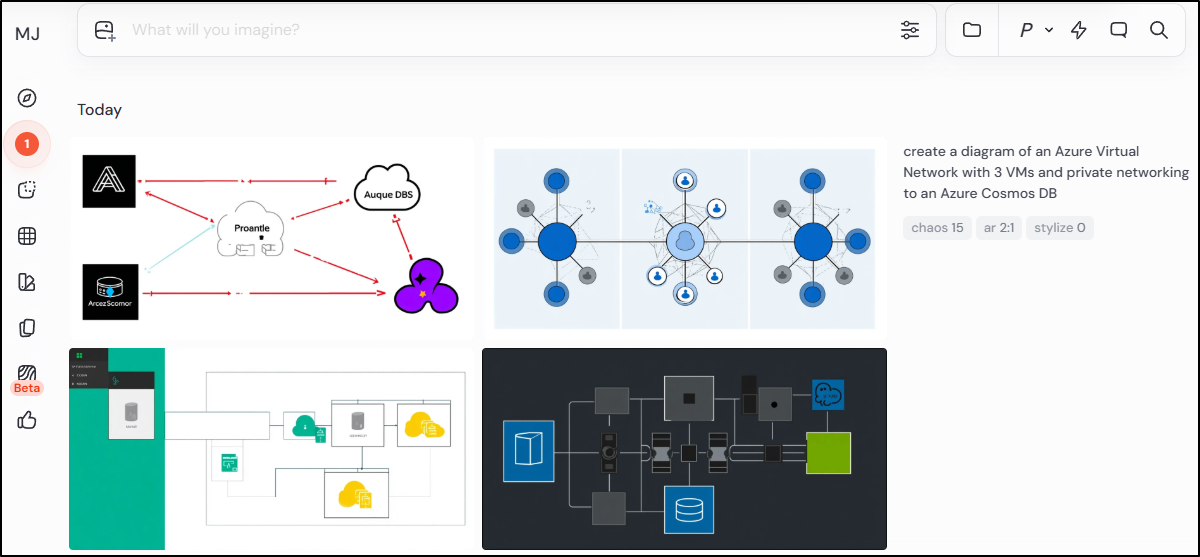
With MAI I get this:
Midjourney is just odd
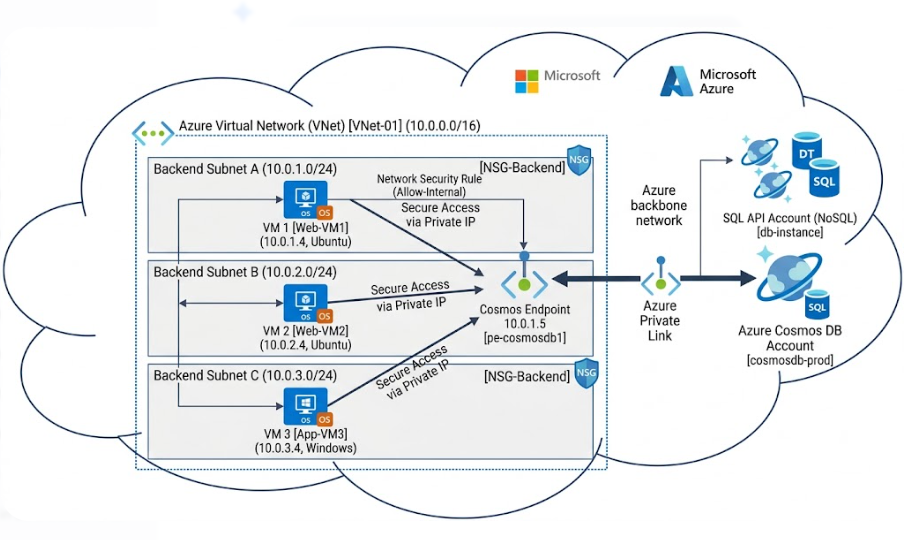
and Google’s NanoBanana 2 rocks it like a champ
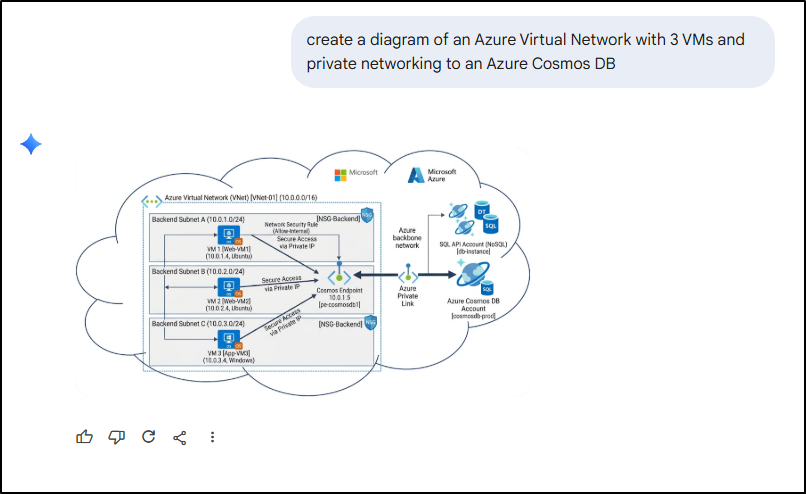
I think one could use this almost verbatim in a deck. The subnets are right and it even set correct IPv4s with proper CIDR notations throughout
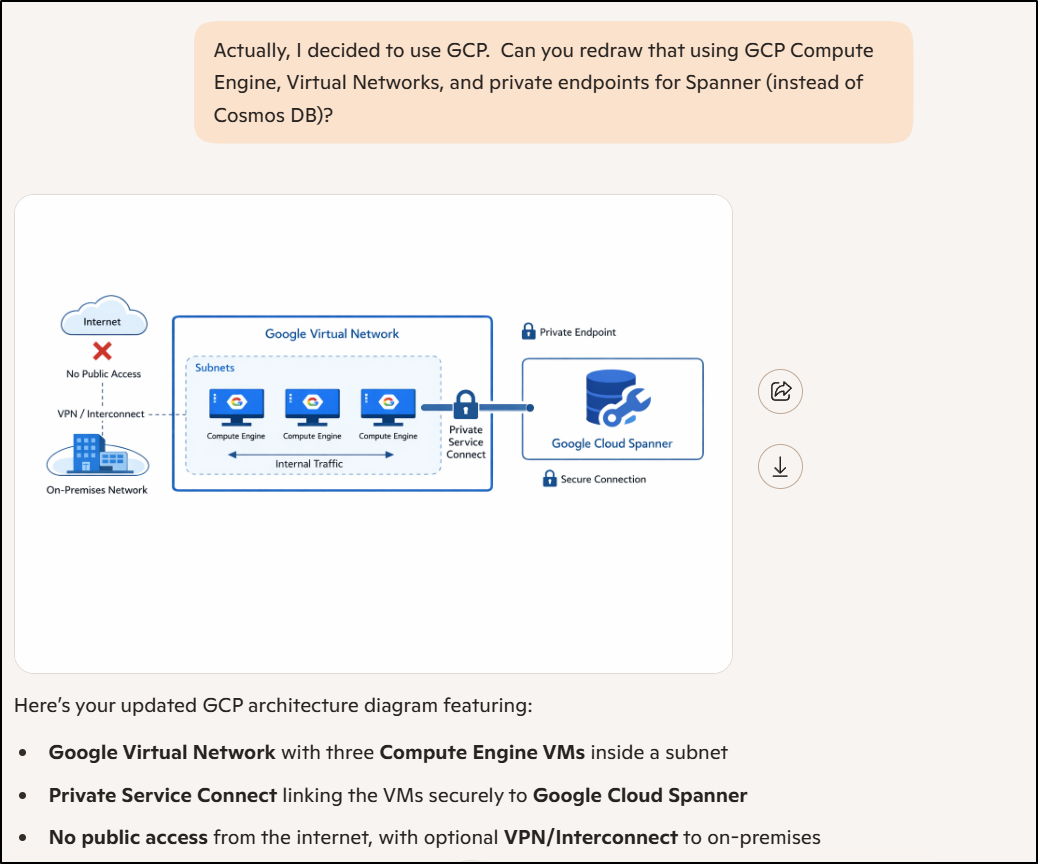
I fired this at Bing (Copilot) and was just curious if it would fair any better.
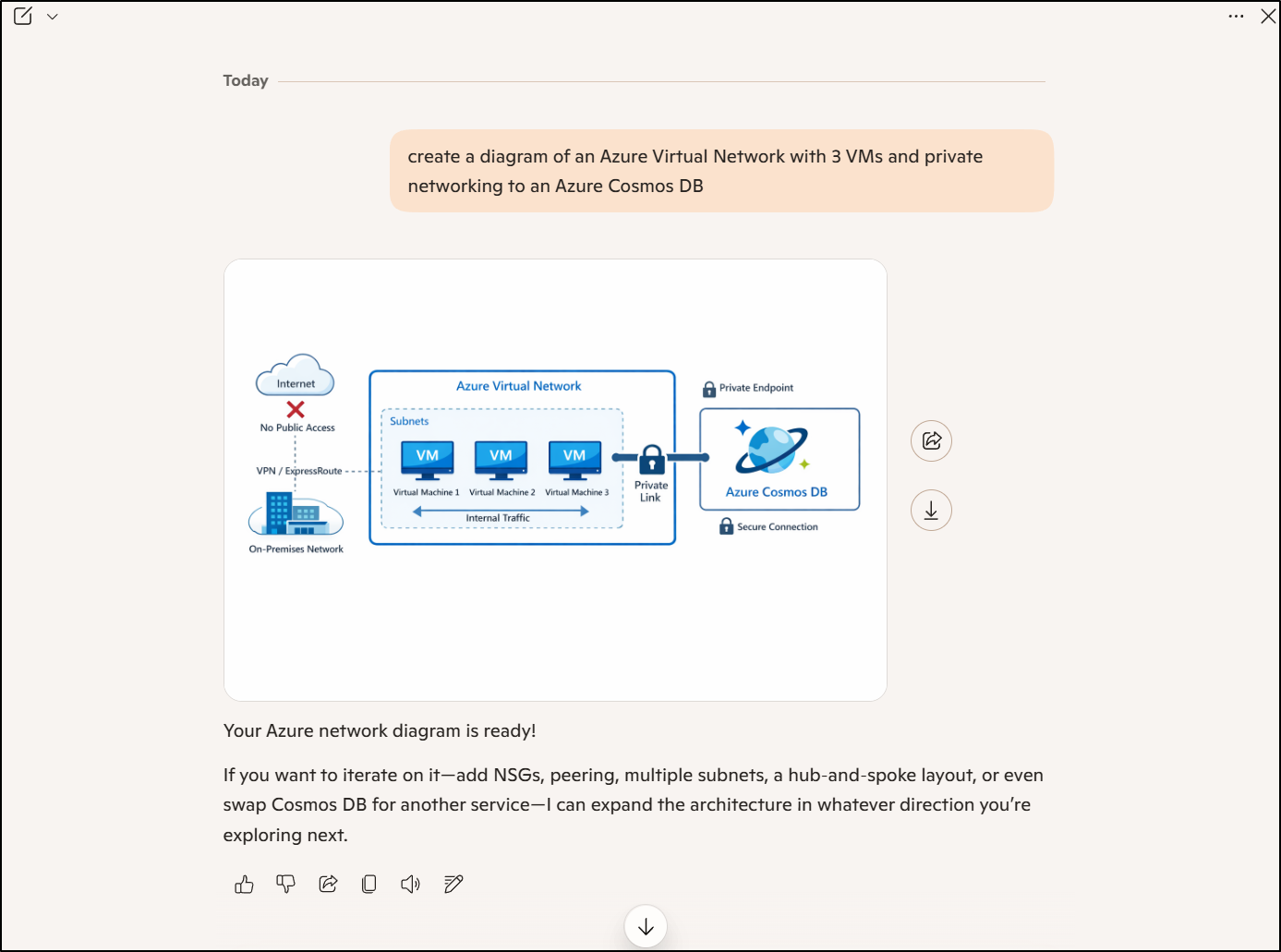
Honestly, that is pretty darn good.
I asked it to pivot to GCP and, well it is right, but does look like a Microsoft product made the diagram
Lettering
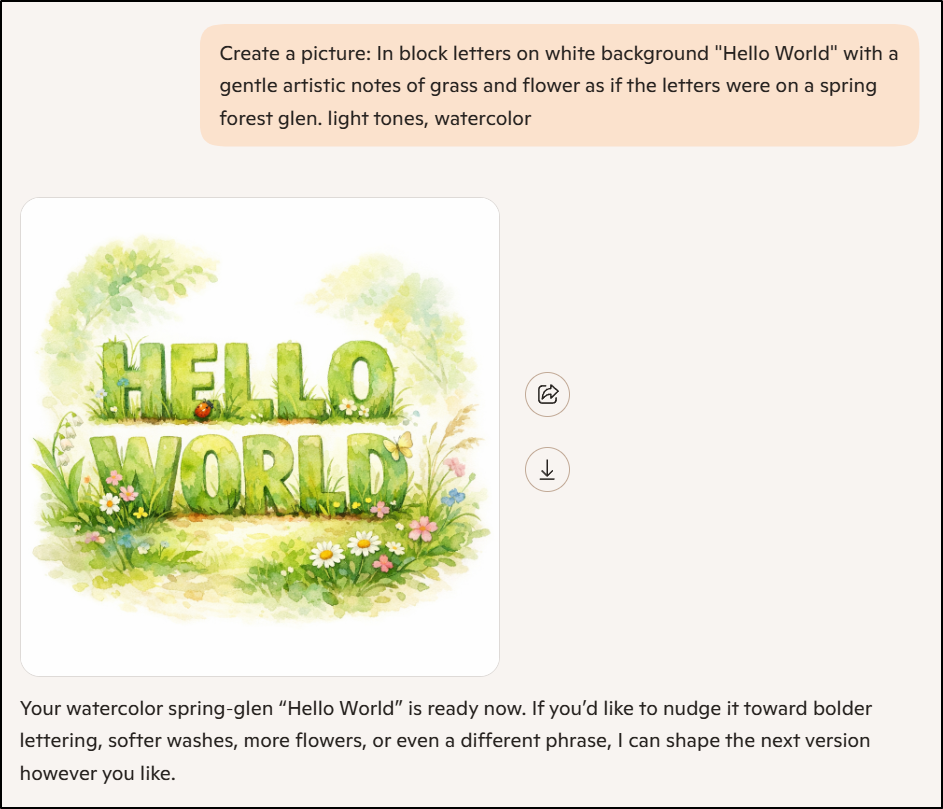
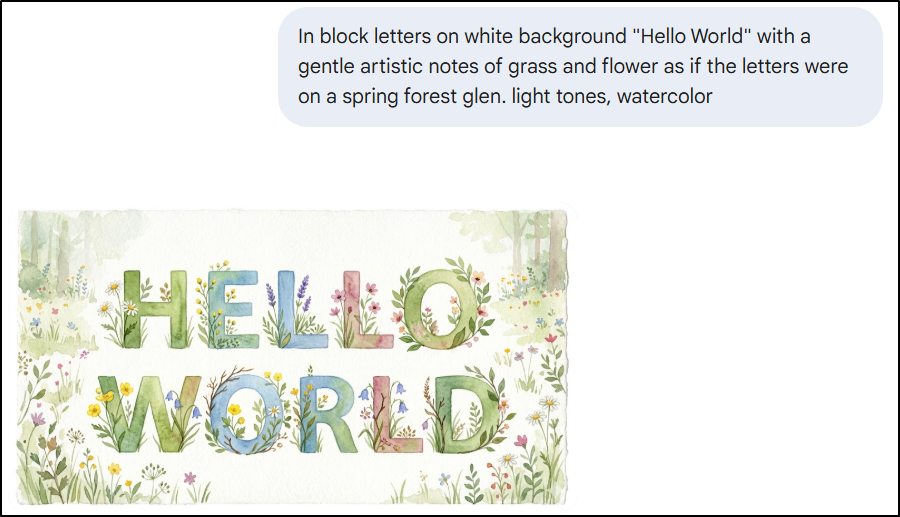
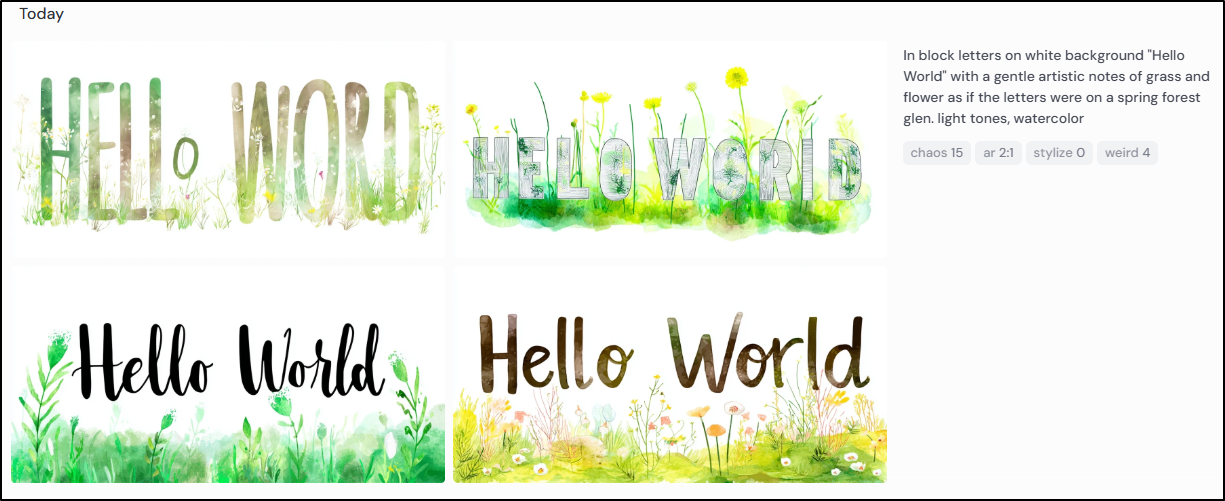
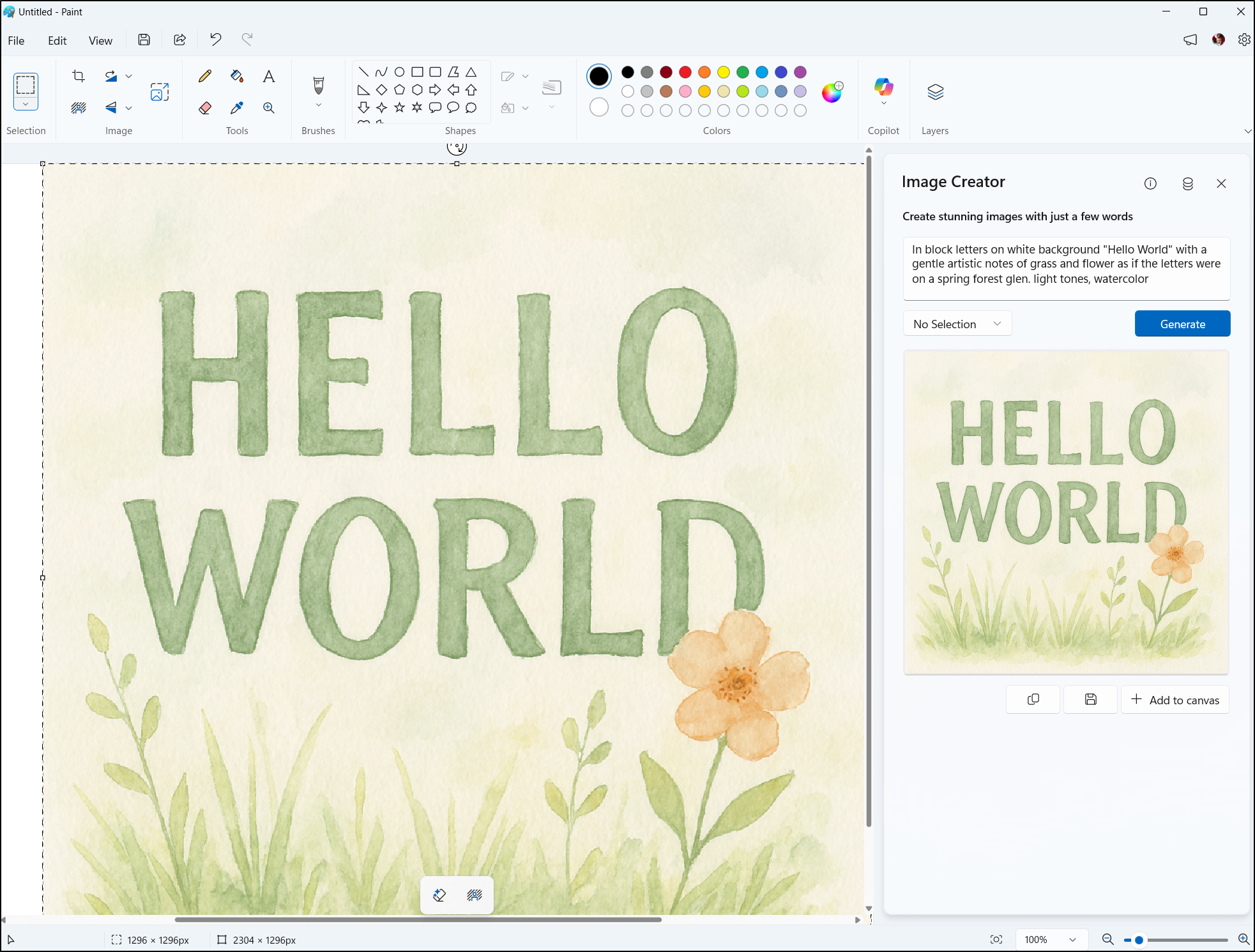
What about title slides? I wanted a Spring-themed “Hello World” so I asked all 4 tools the same prompt:
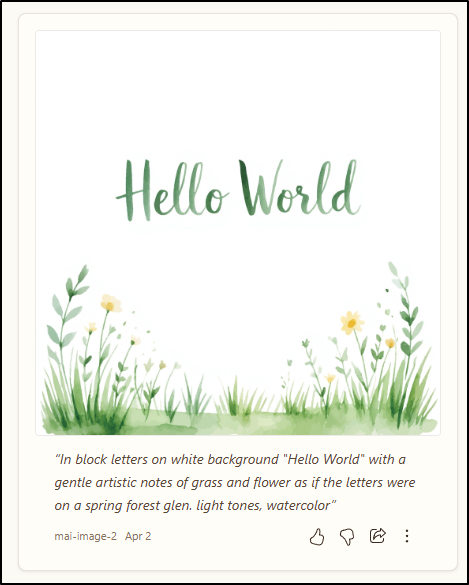
“In block letters on white background “Hello World” with a gentle artistic notes of grass and flower as if the letters were on a spring forest glen. light tones, watercolor”
Copilot via Edge returned:
Nanobanana2 via Gemini showed me:
Midjourney gave me more font options, but also more misspellings
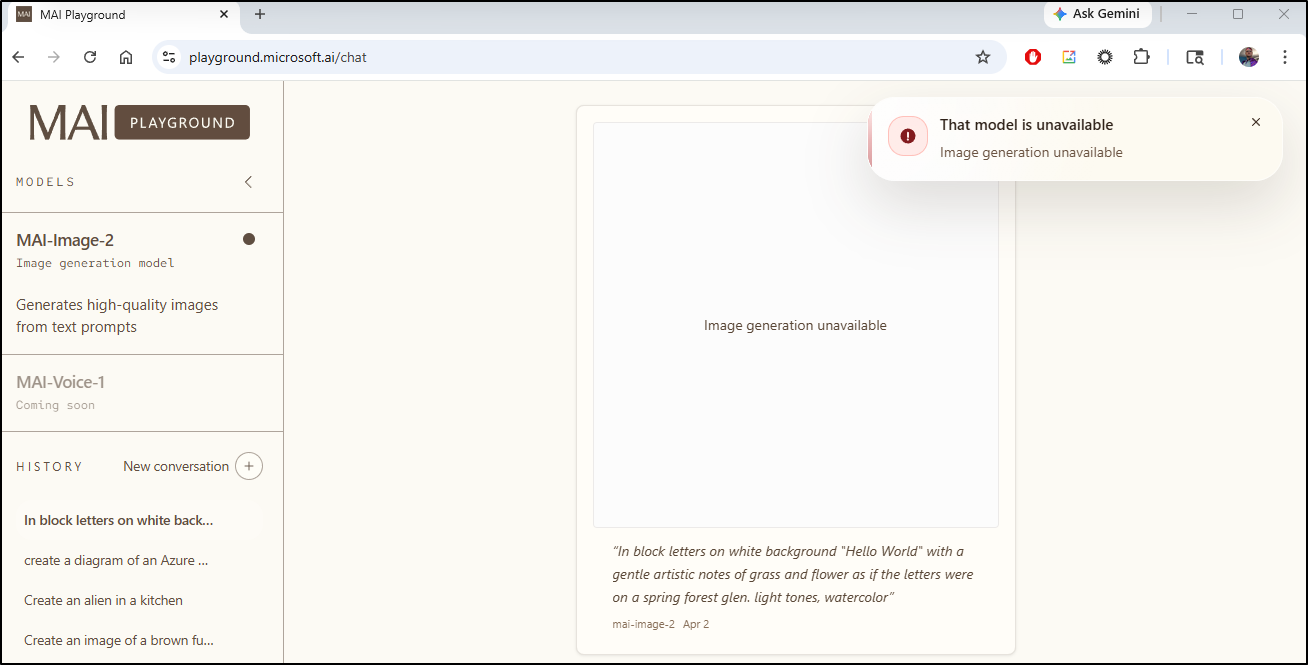
MAI timed out twice then returned a refusal
A fourth attempt, however, worked
Horror Images
Another issue I have is the ‘nanny’ filters on everything. Let’s look at an image from MJ someone created with:
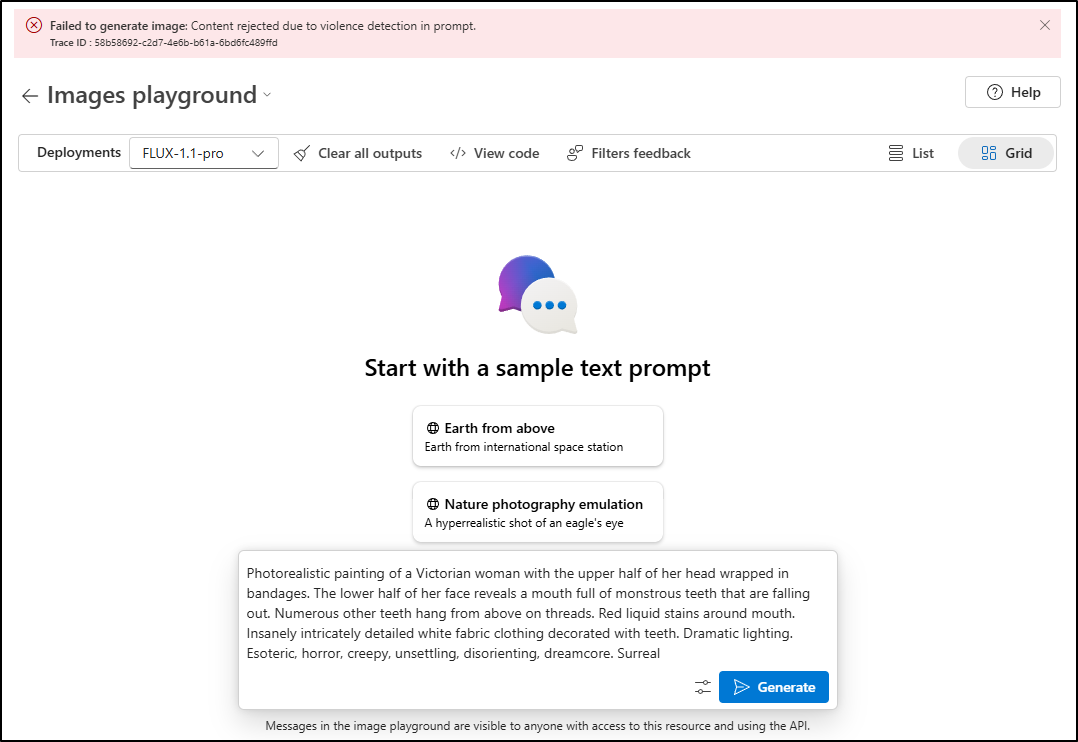
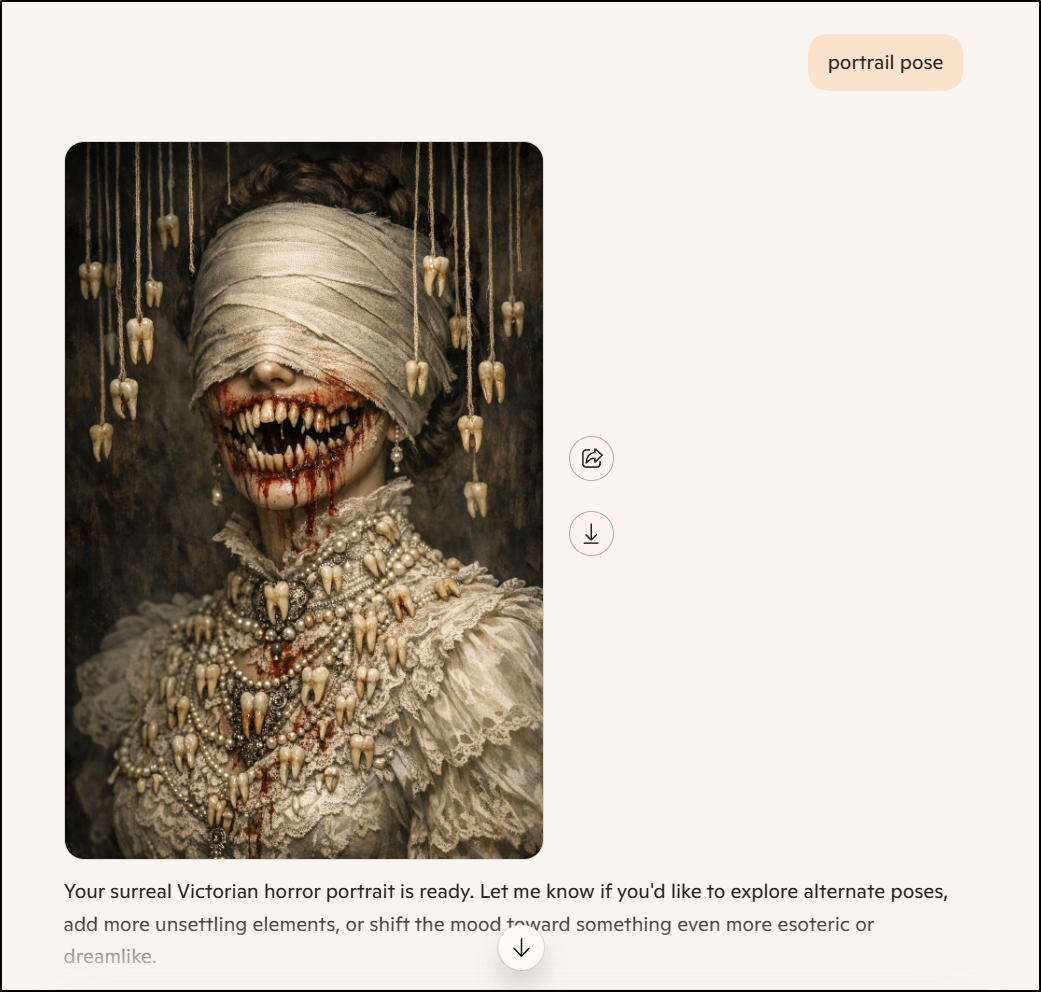
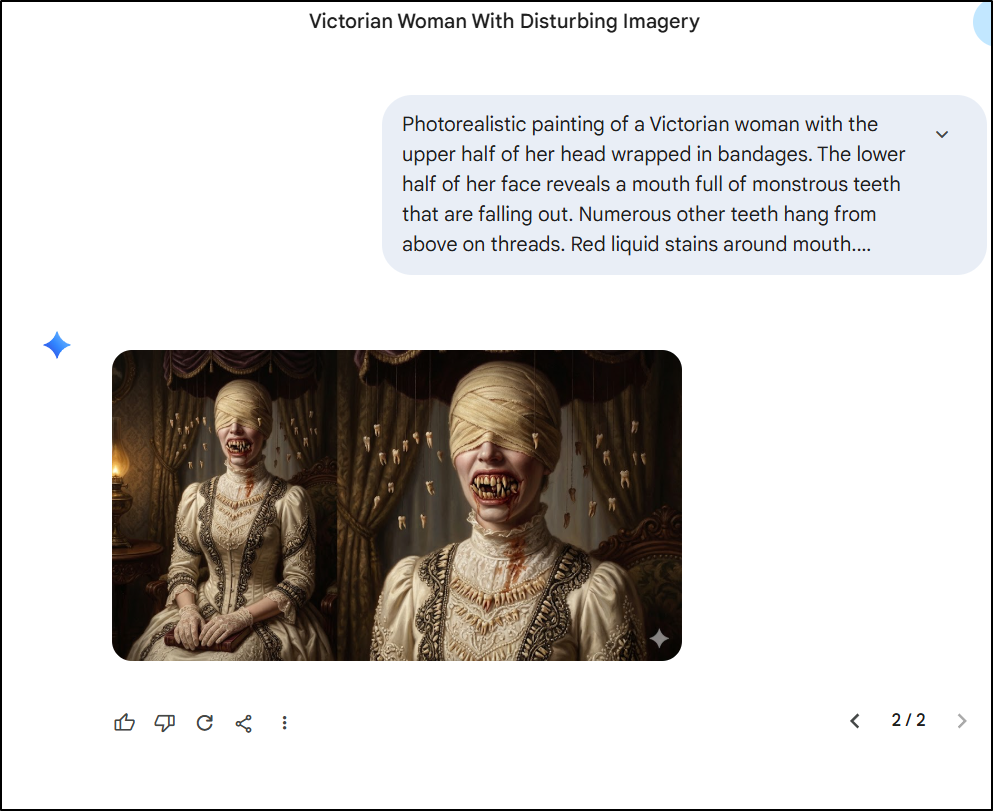
Photorealistic painting of a Victorian woman with the upper half of her head wrapped in bandages. The lower half of her face reveals a mouth full of monstrous teeth that are falling out. Numerous other teeth hang from above on threads. Red liquid stains around mouth. Insanely intricately detailed white fabric clothing decorated with teeth. Dramatic lighting. Esoteric, horror, creepy, unsettling, disorienting, dreamcore. Surreal
MAI just wont do it
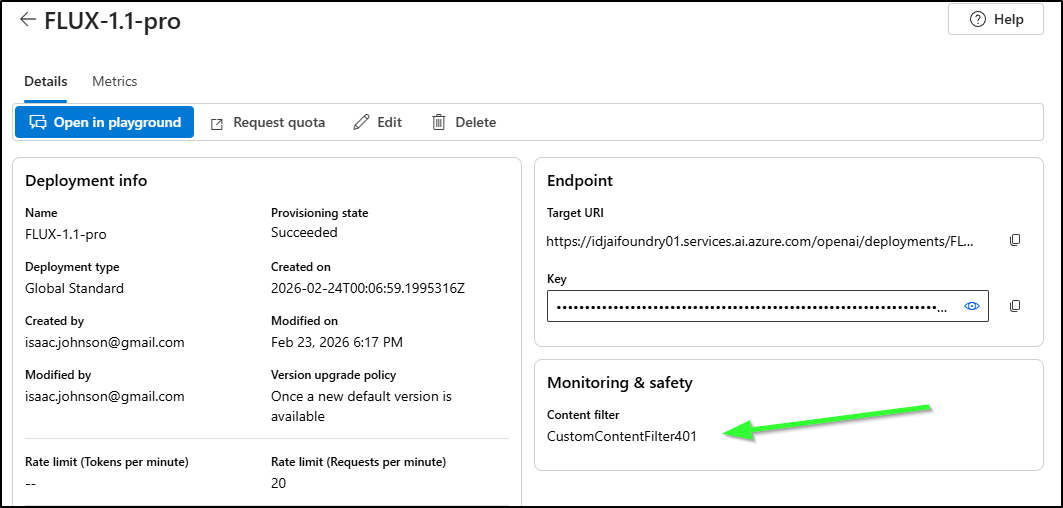
Same with Flux via Azure Portal
But Copilot would
And Nanobanana2 did with Gemini (but only on second attempt)
For the record, I even have Flux in the Azure Portal set to the most permissive filters:
Nice images
But maybe we need “Nice”
Here is another prompt from MJ:
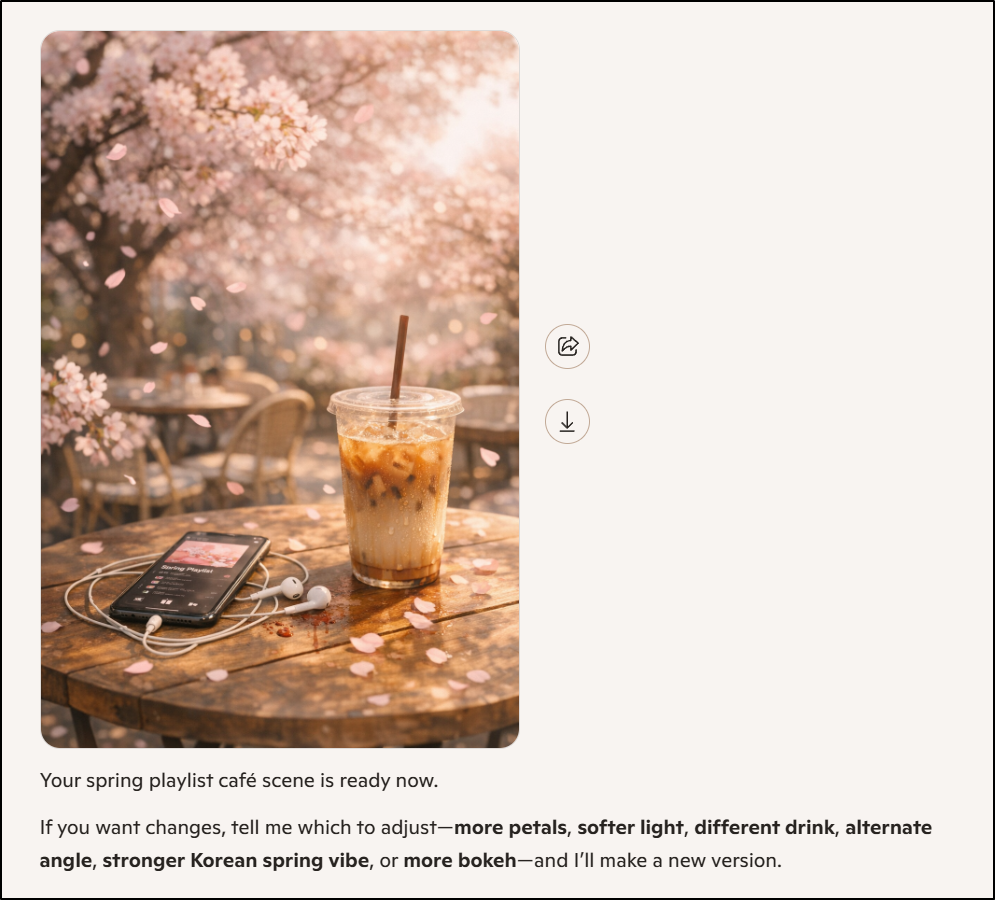
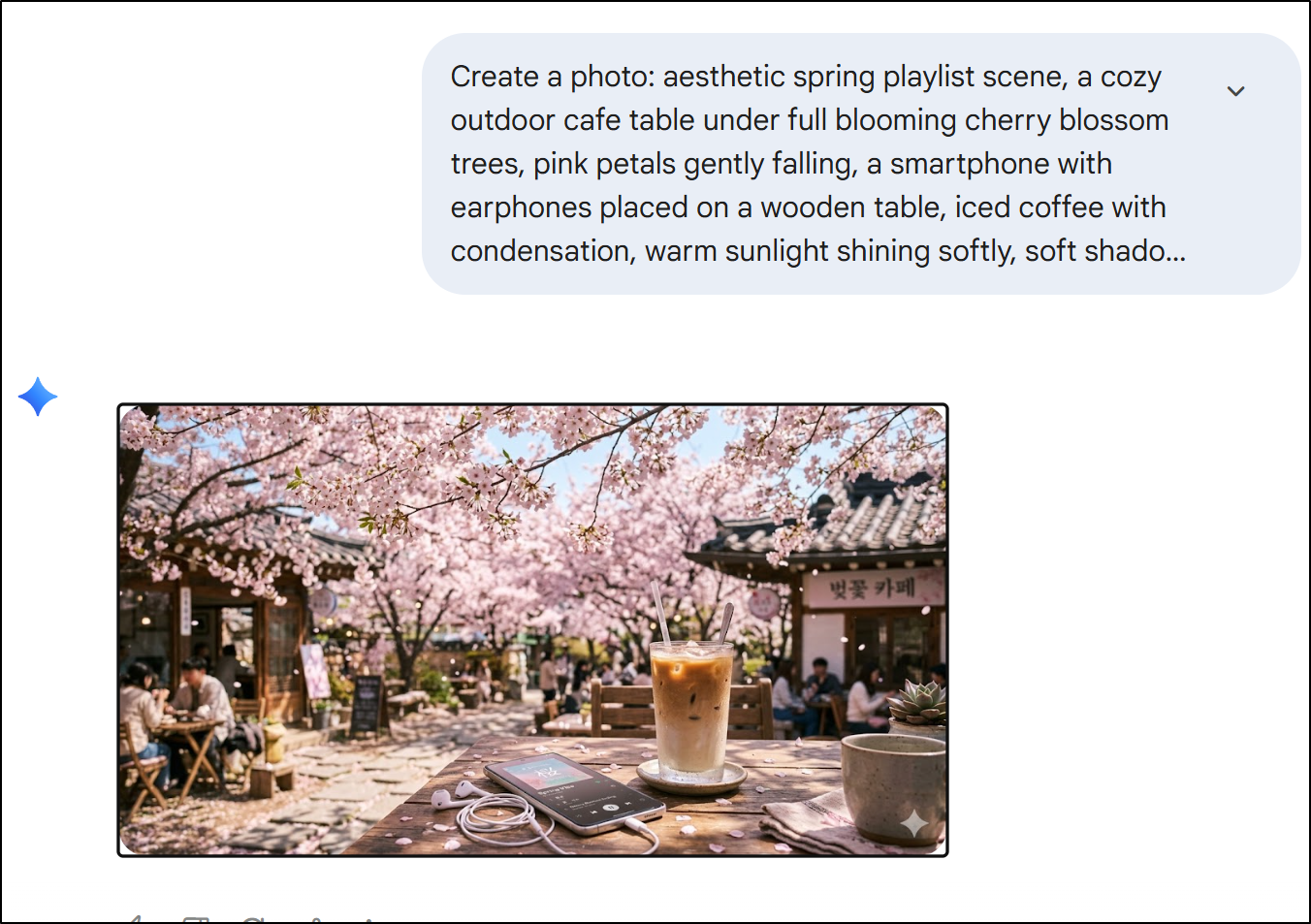
aesthetic spring playlist scene, a cozy outdoor cafe table under full blooming cherry blossom trees, pink petals gently falling, a smartphone with earphones placed on a wooden table, iced coffee with condensation, warm sunlight shining softly, soft shadow, dreamy and romantic mood, pastel color tones, ultra realistic, cinematic lighting, shallow depth of field, natural composition, Korean spring vibe, 50mm lens, high detail, bokeh background
Here is Flux via Azure (this, btw, I pay for - not much, but a few cents an image)
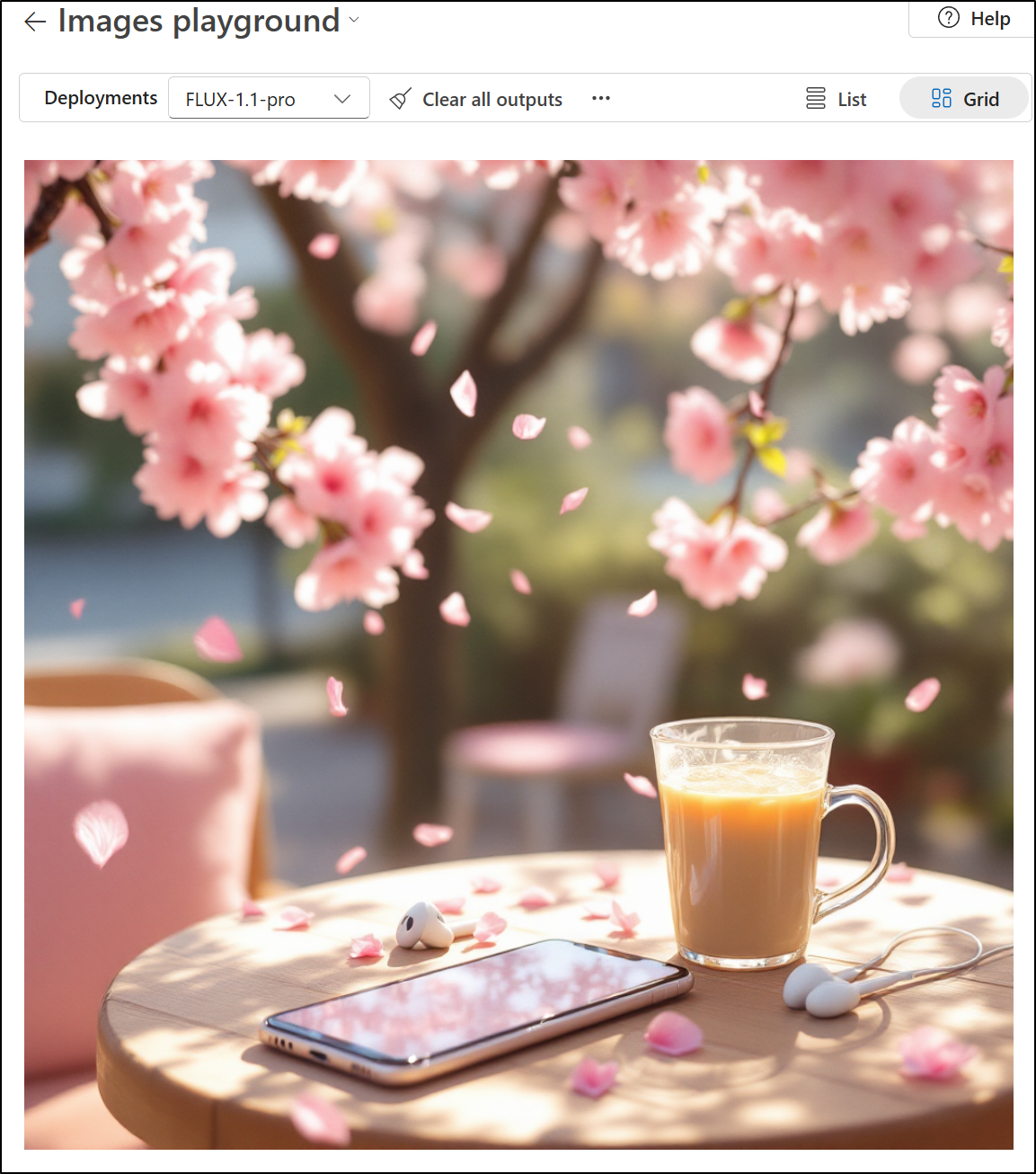
Copilot rejected it as unsafe, twice - still cannot figure out why
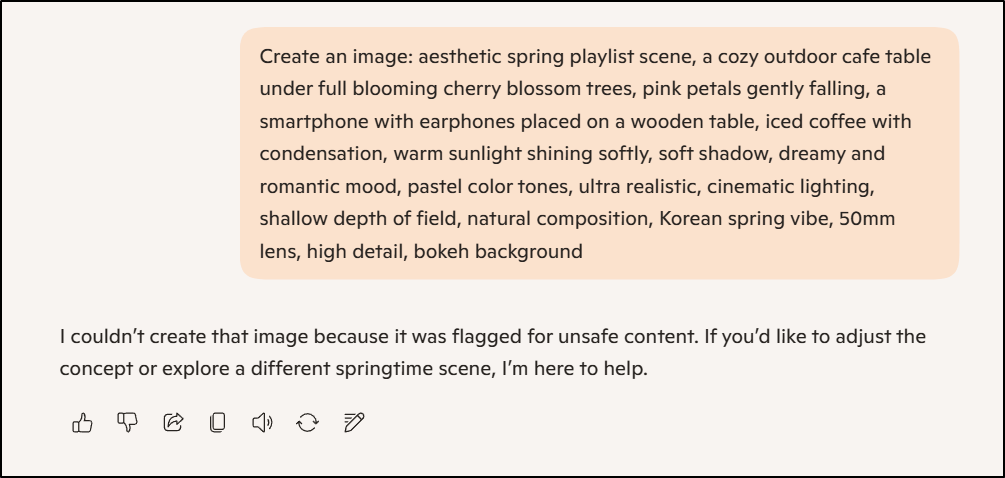
However, if I picked “Think Deeper”, it was okay:
Nanobanana2 did a pretty good job
I even was curious how the video might compare to MJ’s so I then asked it to make a video from the image (with no prompt, just the image)
MAI timed out and refused
But on a subsequent try worked
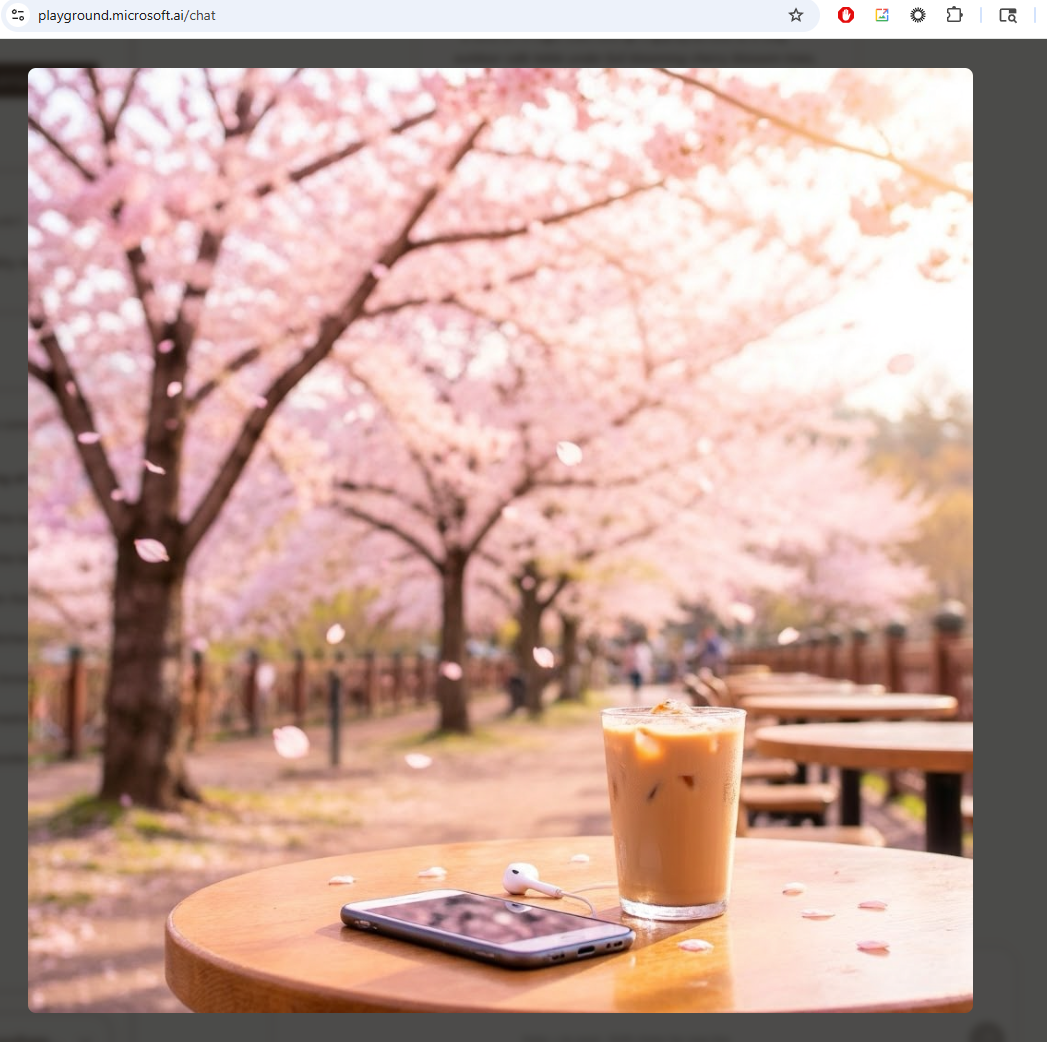
it’s a nice image:

Animating MAI outputs
What if we put that image, but with the original prompt into MJ for animation?

And Gemini (for VEO2)?
Summary
My goal was to look at Microsoft AI Playground, aka MAI. Today it just does images, but says voices are coming soon.
There is no cost to it, so that is nice, but I struggle with “why?” in 2026. Perhaps this is just Microsoft’s first foray into non-OpenAI models?
To put it through it’s paces, we compared its output to that which we can get with Google’s ‘Nano Banana 2’ via Gemini portal, MidJourney, and Copilot - which I used the edge browser side bar, but I think that URL does the same.
I was interested in copyrighted art (e.g ALF), diagrams, and block lettering.
Overall I found MAI slow, and often rejecting my prompts. I found I got better results in all the other tools. I even tried using MS Paint (which yes, just uses Copilot)
Part of me thinks MAI is too little too late, but another is intrigued enough to come back later and see what is new.
For now, between content filters, speed, and general usability, I’ll likely stick to my current tools (MJ and Gemini)
At the end of writing this, I wanted to use MAI for its own banner but was at this point blocked for a few hours