

Published: Mar 31, 2026 by Isaac Johnson
I’ve been running Coder and Code-server for quite some time now. I generally operate locally, but there are times that having a good remote coding solution based on VS Code is quite handy.
Just last year after GCP Next 25, I updated and wrote about Coder and Code-server then around Christmas, revisited Code-server updates.
Upgrading
Again, I see there are updates
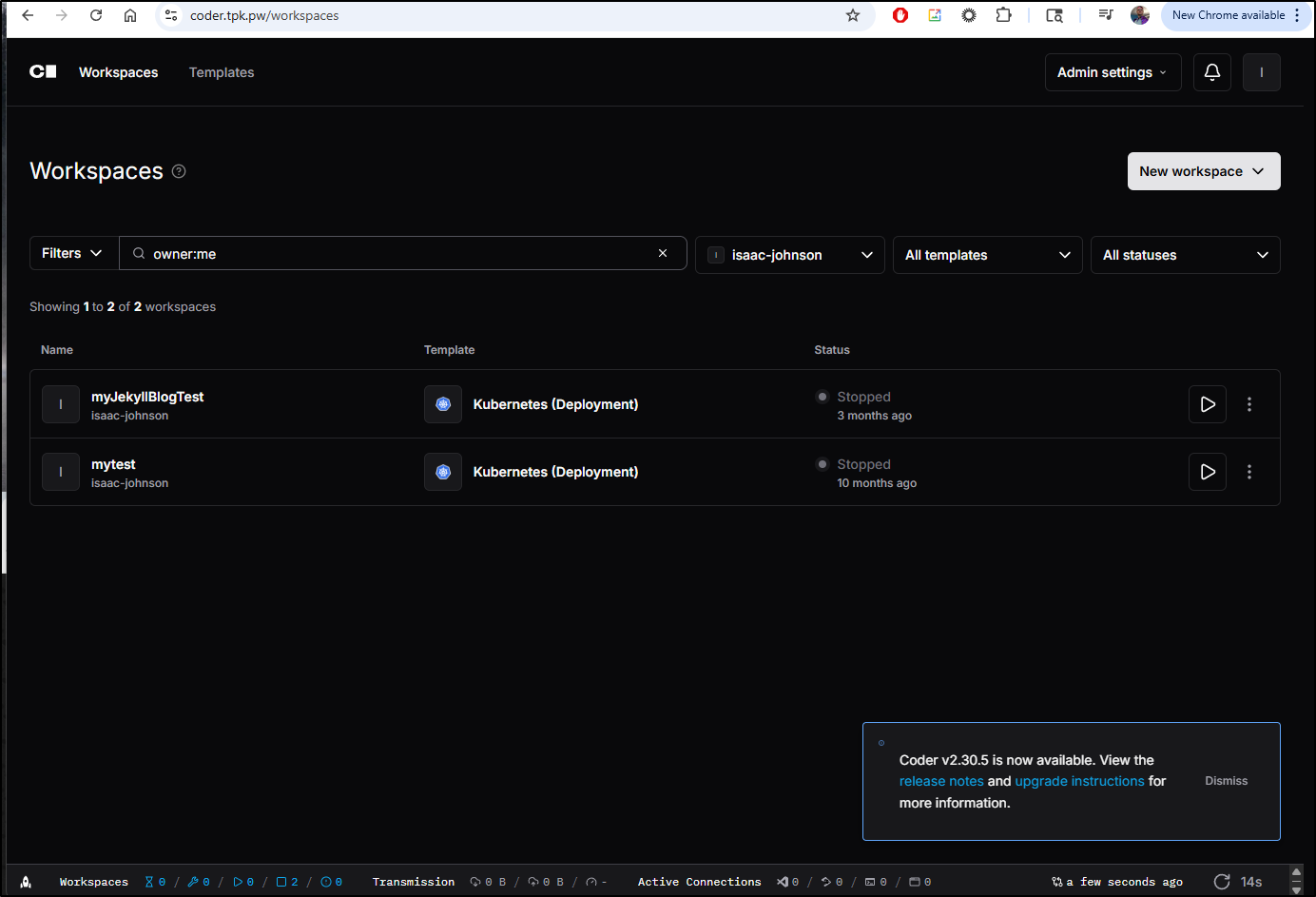
$ helm repo update
$ helm upgrade coder coder-v2/coder --namespace coder --version 2.30.5
coalesce.go:298: warning: cannot overwrite table with non table for coder.coder.ingress.tls (map[enable:false secretName: wildcardSecretName:])
coalesce.go:298: warning: cannot overwrite table with non table for coder.coder.ingress.tls (map[enable:false secretName: wildcardSecretName:])
Release "coder" has been upgraded. Happy Helming!
NAME: coder
LAST DEPLOYED: Fri Mar 27 07:30:26 2026
NAMESPACE: coder
STATUS: deployed
REVISION: 4
TEST SUITE: None
NOTES:
Enjoy Coder! Please create an issue at https://github.com/coder/coder if you run
into any problems! :)
Cleanup
Any workspace one doesn’t need can just be cleaned up with “Delete”.
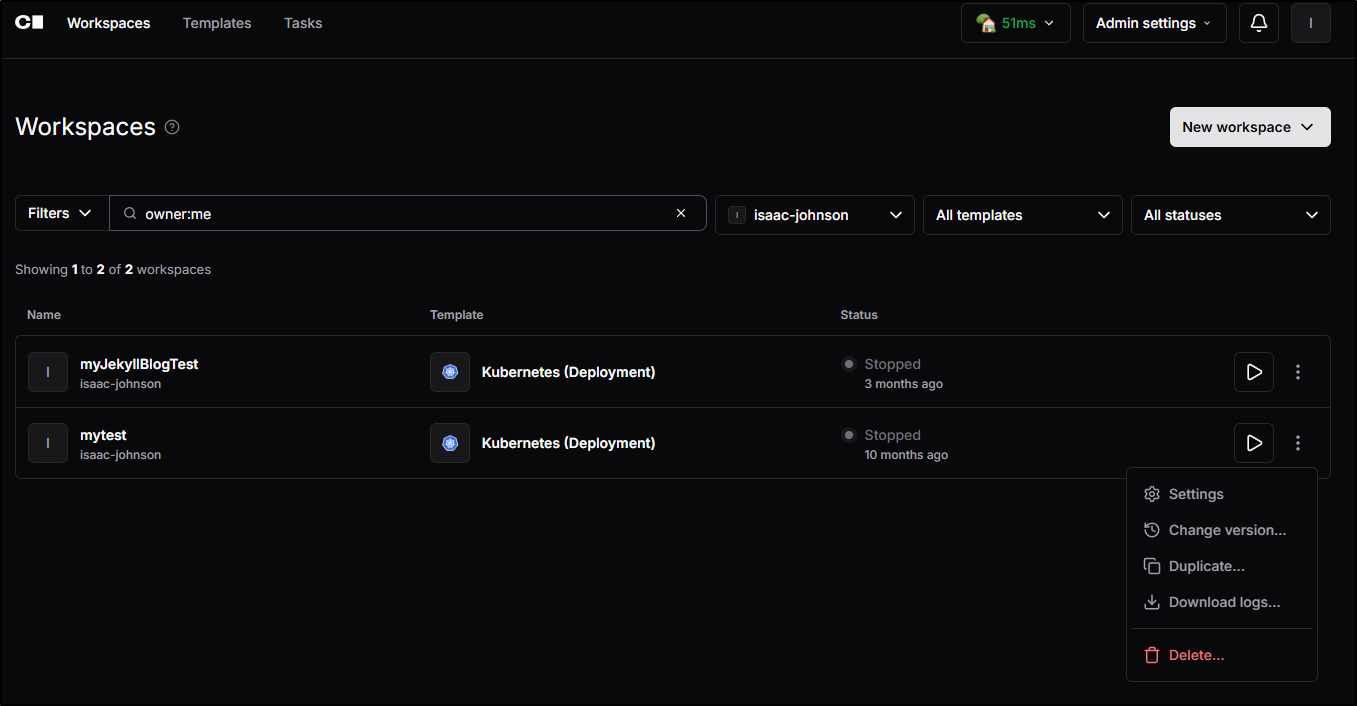
which, after confirming, basically does a terraform destroy on the resource
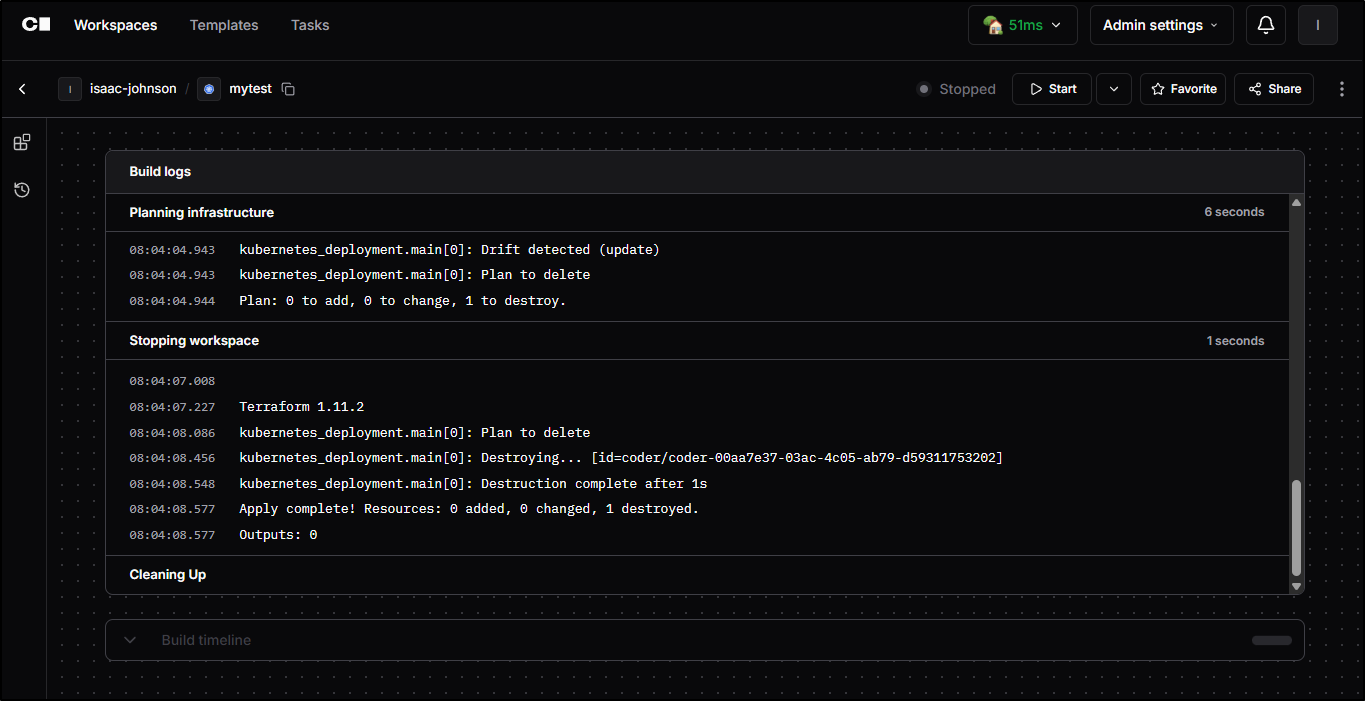
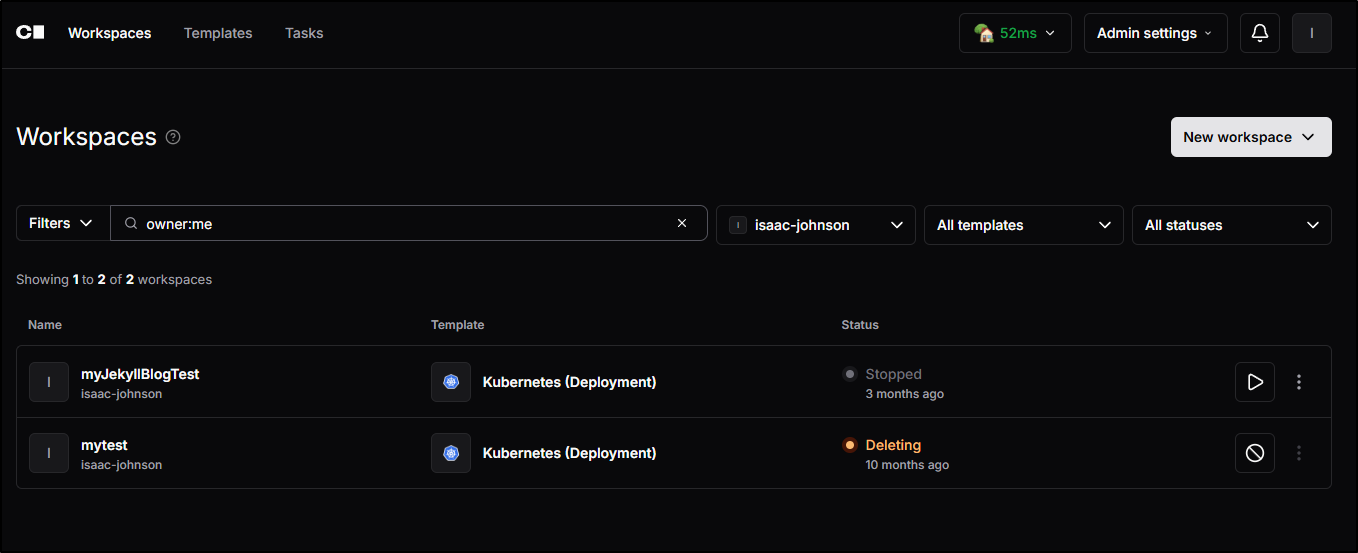
Lest you think it failed, it just takes a minute to cleanup all the resources before briefly showing “deleting”
Launching existing Workspace
I’ll go to the one from 3 months ago which is a very large git repo and click start
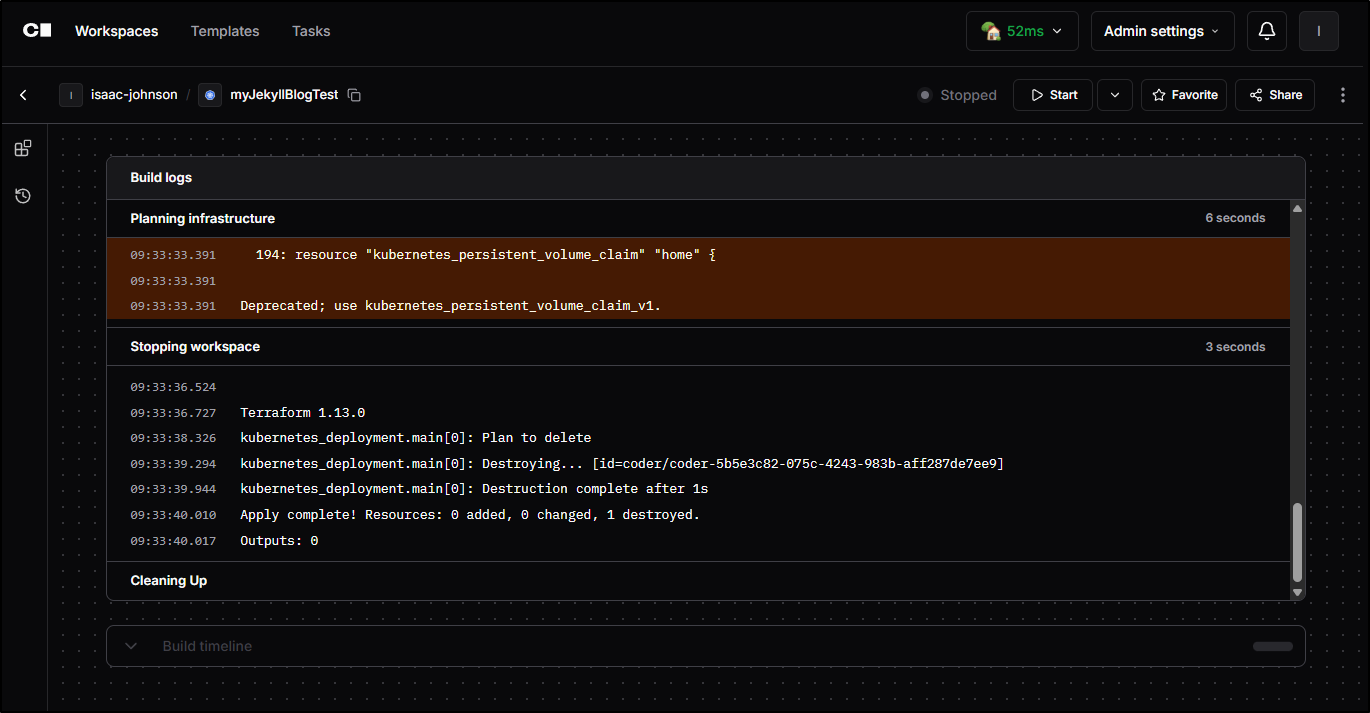
Terraform then kicks in
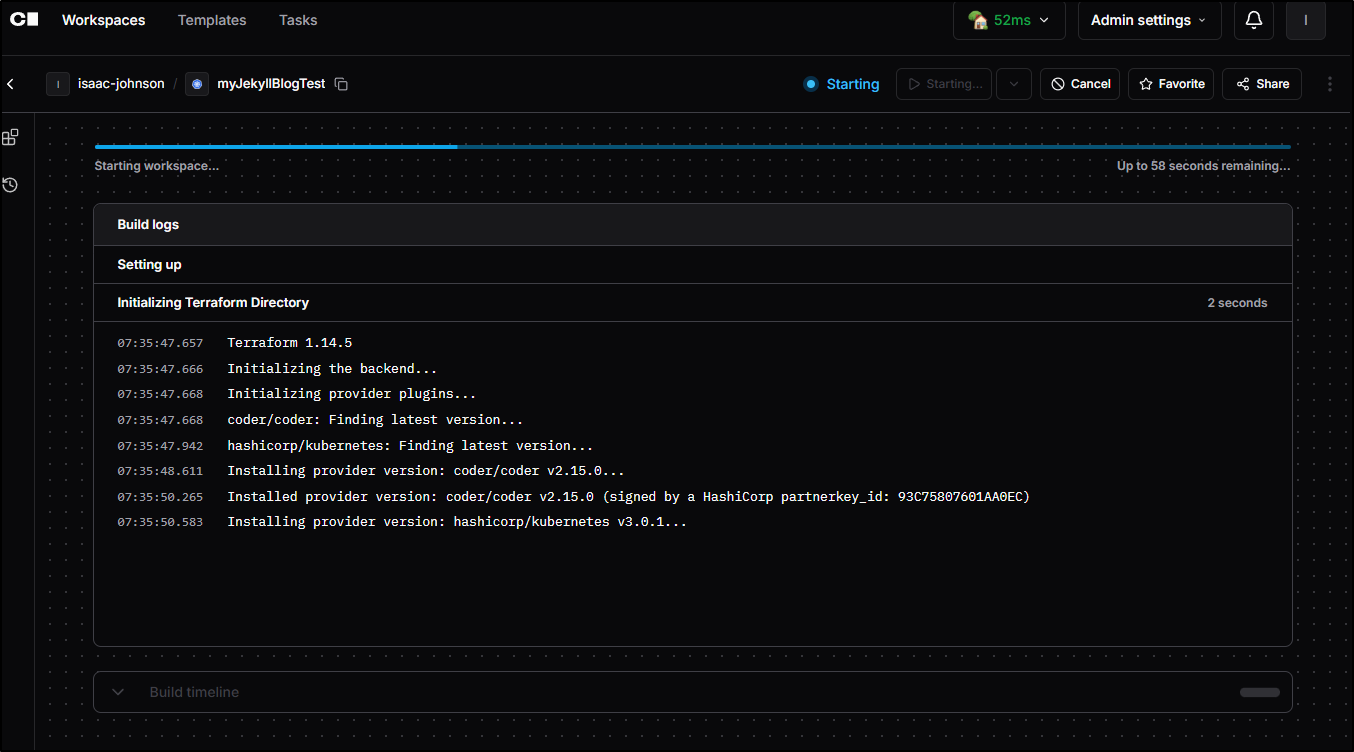
before showing me a placeholder screen as it launches
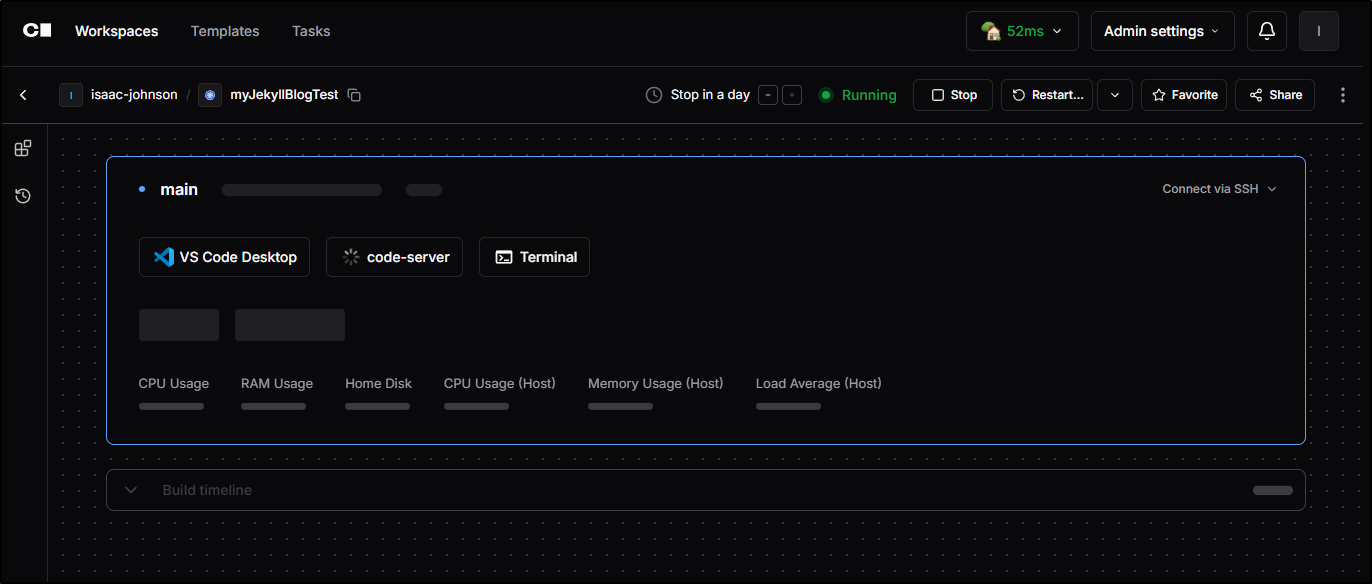
In just a moment it was launched again and I could see usage details
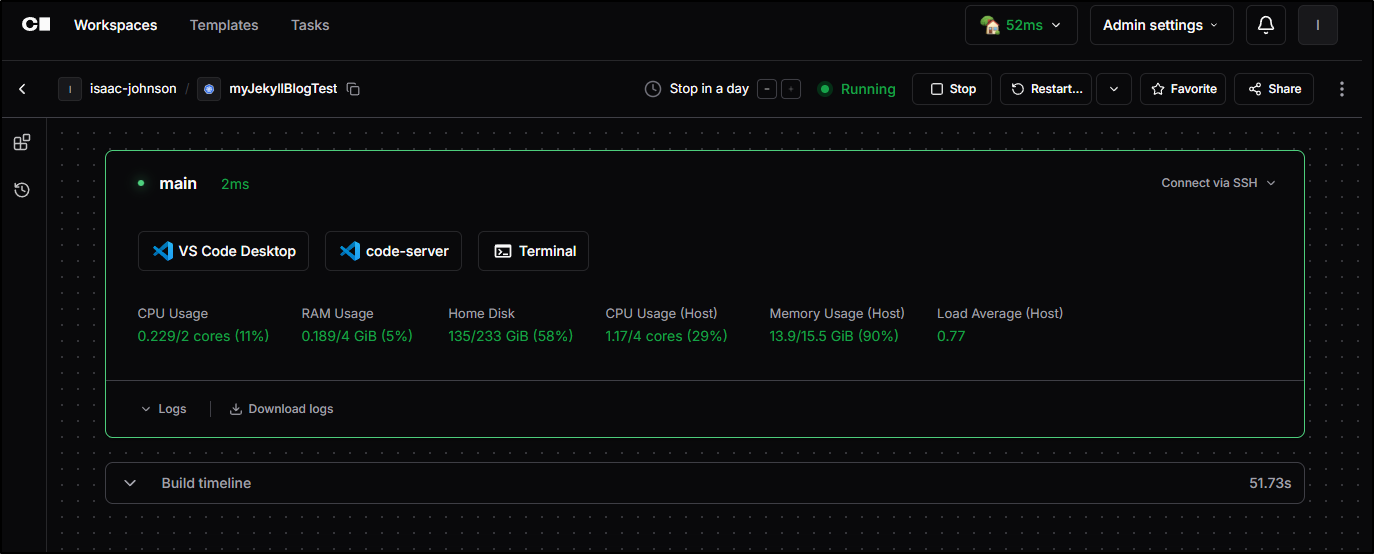
But it just kept crashing
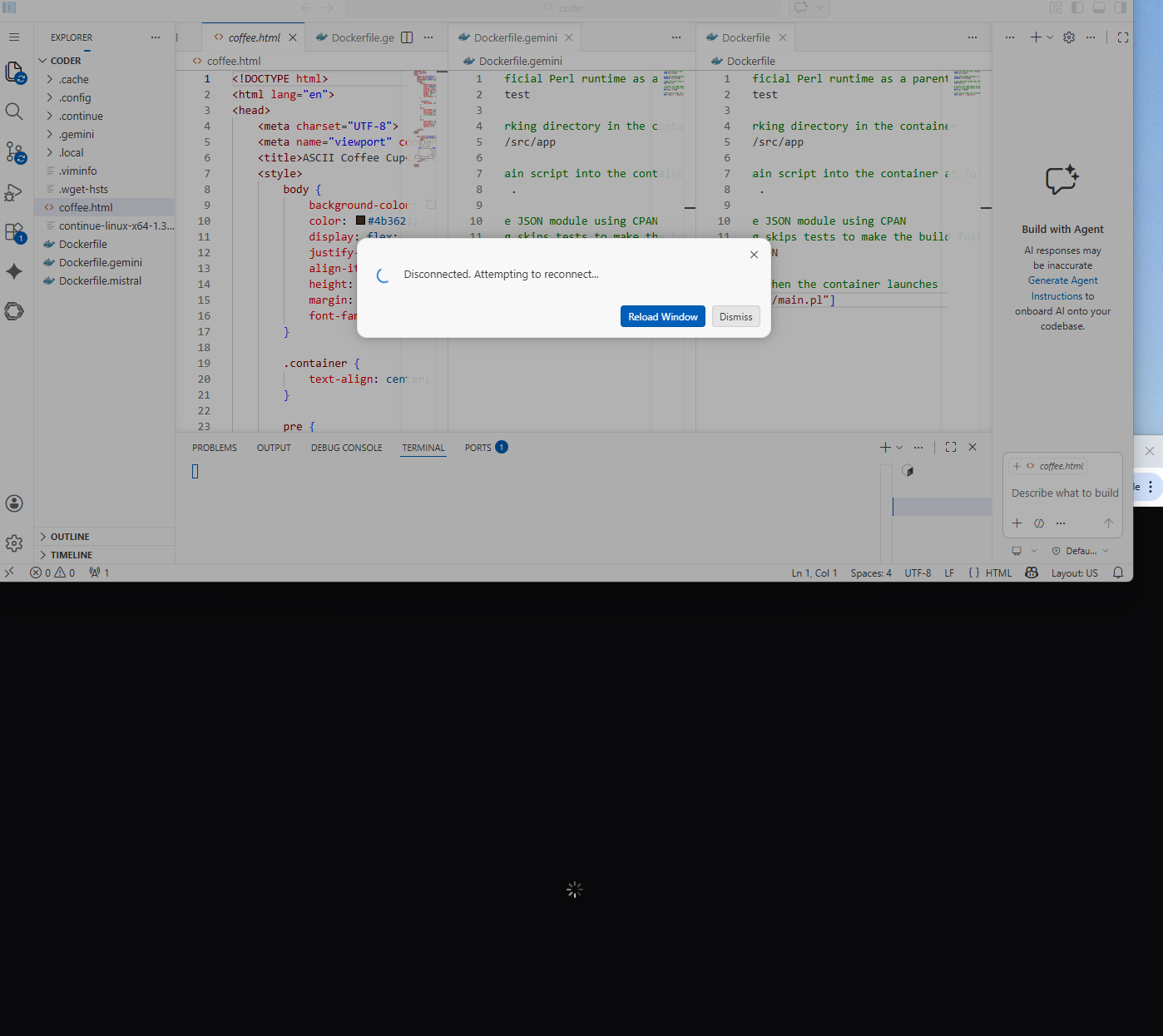
The logs suggested connectivity issues.
I see the pod up
$ kubectl get po -n coder
NAME                                                          READY   STATUS    RESTARTS   AGE
coder-5b5e3c82-075c-4243-983b-aff287de7ee9-55b865c49f-qc6zd   1/1     Running   0          6m18s
coder-6cd484f7f8-xqrzp                                        1/1     Running   0          11m
coder-db-postgresql-0                                         1/1     Running   0          94d
But the container keeps spitting logs
$ kubectl logs coder-5b5e3c82-075c-4243-983b-aff287de7ee9-55b865c49f-qc6zd -n coder
Error from server: Get "https://192.168.1.214:10250/containerLogs/coder/coder-5b5e3c82-075c-4243-983b-aff287de7ee9-55b865c49f-qc6zd/dev": net/http: TLS handshake timeout
$ kubectl logs coder-5b5e3c82-075c-4243-983b-aff287de7ee9-55b865c49f-qc6zd -n coder
Error from server: Get "https://192.168.1.214:10250/containerLogs/coder/coder-5b5e3c82-075c-4243-983b-aff287de7ee9-55b865c49f-qc6zd/dev": proxy error from 127.0.0.1:6443 while dialing 192.168.1.214:10250, code 502: 502 Bad Gateway
and the events suggest it keeps killing the container in the pod
$ kubectl describe po coder-5b5e3c82-075c-4243-983b-aff287de7ee9-55b865c49f-qc6zd -n coder | tail -n 9
Events:
  Type     Reason        Age                  From               Message
  ----     ------        ----                 ----               -------
  Normal   Scheduled     6m59s                default-scheduler  Successfully assigned coder/coder-5b5e3c82-075c-4243-983b-aff287de7ee9-55b865c49f-qc6zd to builder-hp-elitebook-850-g2
  Normal   Pulling       6m58s                kubelet            Pulling image "codercom/enterprise-base:ubuntu"
  Normal   Pulled        6m29s                kubelet            Successfully pulled image "codercom/enterprise-base:ubuntu" in 28.592s (28.592s including waiting). Image size: 376791434 bytes.
  Normal   Created       6m29s                kubelet            Created container: dev
  Normal   Started       6m29s                kubelet            Started container dev
  Warning  NodeNotReady  88s (x2 over 3m55s)  node-controller    Node is not ready
This just kept failing me.
I tried to make a new workspace but it just kept signing me out
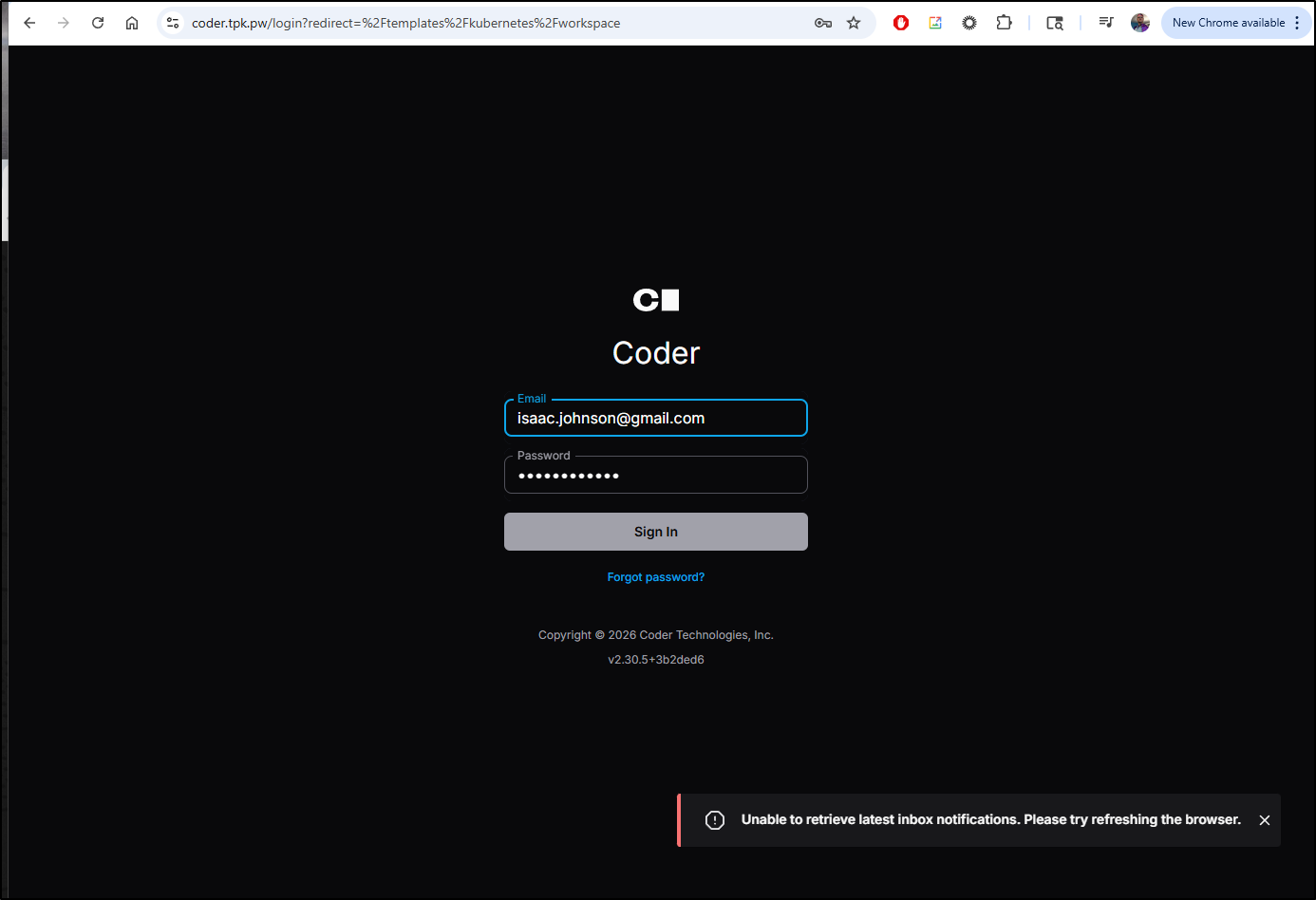
I came back after a day (as the cluster control plane was misbehaving and I didn’t want to assume this was Coder’s fault)
I fired up a new workspace
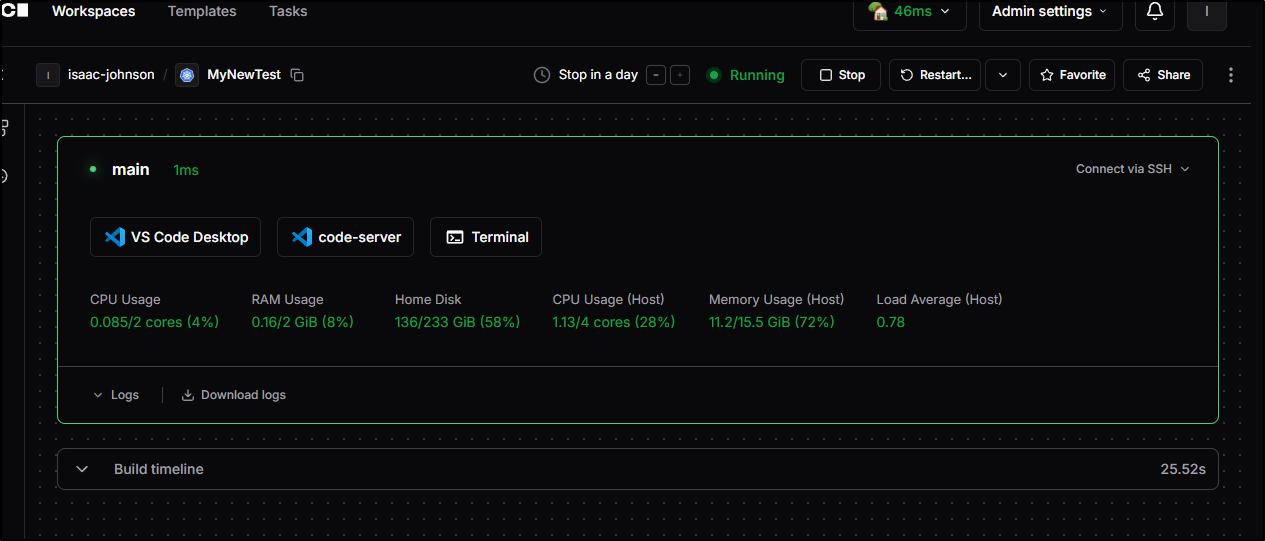
While Github has now blocked the Github Copilot chat client
But we can use Google Code Assist (GCA) to quickly build and test a basic python app
Lastly, we can create a project in Gitlab and push these changes up for sharing
Which you can now check out here
Linux
let’s try just reducing some complexity and use the install script to run locally in Ubuntu
I initially had some failures
builder@bosgamerz7:~$ sudo systemctl enable --now coder
Created symlink /etc/systemd/system/multi-user.target.wants/coder.service → /lib/systemd/system/coder.service.
Job for coder.service failed because the control process exited with error code.
See "systemctl status coder.service" and "journalctl -xeu coder.service" for details.
This is because coder really wants to use port 3000 and that was used by Openweb-UI already
builder@bosgamerz7:~$ docker ps
CONTAINER ID   IMAGE                                COMMAND                  CREATED       STATUS                 PORTS                                                        NAMES
a5e0885202bd   ghcr.io/open-webui/open-webui:main   "bash start.sh"          3 weeks ago   Up 3 weeks (healthy)   0.0.0.0:3000->8080/tcp, [::]:3000->8080/tcp                  open-webui
bb0f798b1570   nicolargo/glances:latest             "/bin/sh -c '/venv/b…"   5 weeks ago   Up 3 weeks             0.0.0.0:61208->61208/tcp, [::]:61208->61208/tcp, 61209/tcp   glances
I just needed to stop it and start the server again
builder@bosgamerz7:~$ docker stop open-webui
open-webui
builder@bosgamerz7:~$ sudo systemctl enable --now coder
builder@bosgamerz7:~$ journalctl -u coder.service -b
The logs showed a reverse proxy was setup which rather surprised me
Mar 27 08:19:27 bosgamerz7 systemd[1]: coder.service: Main process exited, code=exited, status=1/FAILURE
Mar 27 08:19:27 bosgamerz7 systemd[1]: coder.service: Failed with result 'exit-code'.
Mar 27 08:19:27 bosgamerz7 systemd[1]: Failed to start "Coder - Self-hosted developer workspaces on your infra".
Mar 27 08:19:32 bosgamerz7 systemd[1]: coder.service: Scheduled restart job, restart counter is at 17.
Mar 27 08:19:32 bosgamerz7 systemd[1]: Stopped "Coder - Self-hosted developer workspaces on your infra".
Mar 27 08:19:32 bosgamerz7 systemd[1]: Starting "Coder - Self-hosted developer workspaces on your infra"...
Mar 27 08:19:32 bosgamerz7 coder[2794252]: Started HTTP listener at http://127.0.0.1:3000
Mar 27 08:19:32 bosgamerz7 coder[2794252]: Using built-in PostgreSQL (/home/coder/.config/coderv2/postgres)
Mar 27 08:19:35 bosgamerz7 coder[2794252]: Opening tunnel so workspaces can connect to your deployment. For production scenarios, specify an external access URL
Mar 27 08:19:39 bosgamerz7 coder[2794252]: Using tunnel in US East Pittsburgh with latency 48.107215ms.
Mar 27 08:19:39 bosgamerz7 coder[2794252]: ╔═══════════════════════════════════════════════╗
Mar 27 08:19:39 bosgamerz7 coder[2794252]: ║               View the Web UI:                ║
Mar 27 08:19:39 bosgamerz7 coder[2794252]: ║   https://jb1ec3dknpbj4.pit-1.try.coder.app   ║
Mar 27 08:19:39 bosgamerz7 coder[2794252]: ╚═══════════════════════════════════════════════╝
Mar 27 08:19:45 bosgamerz7 coder[2794252]: 2026-03-27 13:19:45.172 [info]  coderd: injecting default github external auth provider  type=github  client_id=Iv1.6a2b4b4ae>
Mar 27 08:19:45 bosgamerz7 coder[2794252]: ==> Logs will stream in below (press ctrl+c to gracefully exit):
Mar 27 08:19:45 bosgamerz7 coder[2794252]: 2026-03-27 13:19:45.173 [info]  notifications.manager.notifier: started  notifier_id=7ff018a4-ae01-45cd-bb9c-fbaf29af80a0
Mar 27 08:19:45 bosgamerz7 coder[2794252]: 2026-03-27 13:19:45.176 [info]  notifications.report_generator: report generator is executing the job for the first time  not>
Mar 27 08:19:45 bosgamerz7 coder[2794252]: 2026-03-27 13:19:45.176 [info]  notifications.report_generator: report generator finished  duration=3.079398ms
Mar 27 08:19:46 bosgamerz7 systemd[1]: Started "Coder - Self-hosted developer workspaces on your infra".
I was able to login
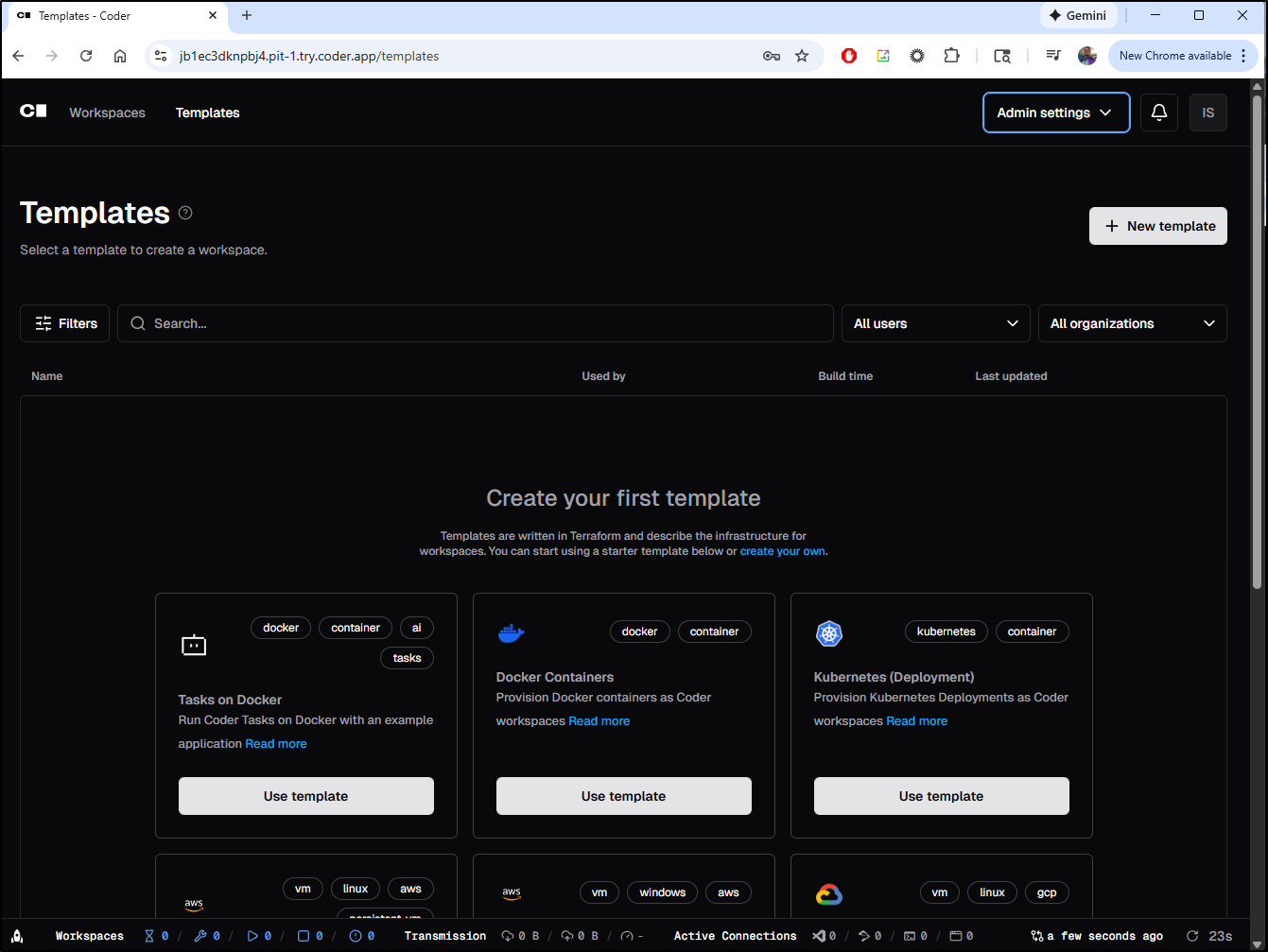
Templates
I’ll first try a DinD template
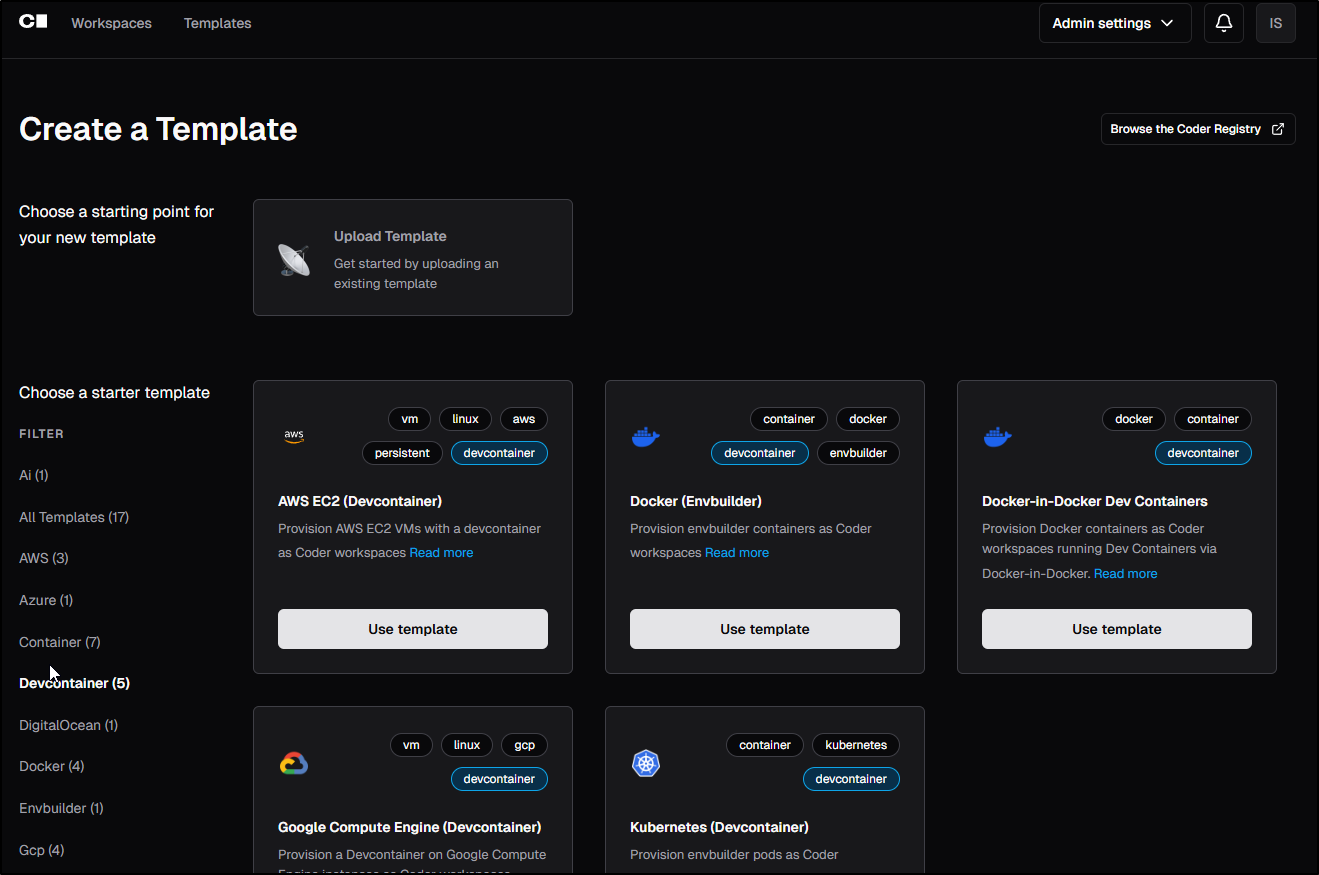
I was fine with the defaults
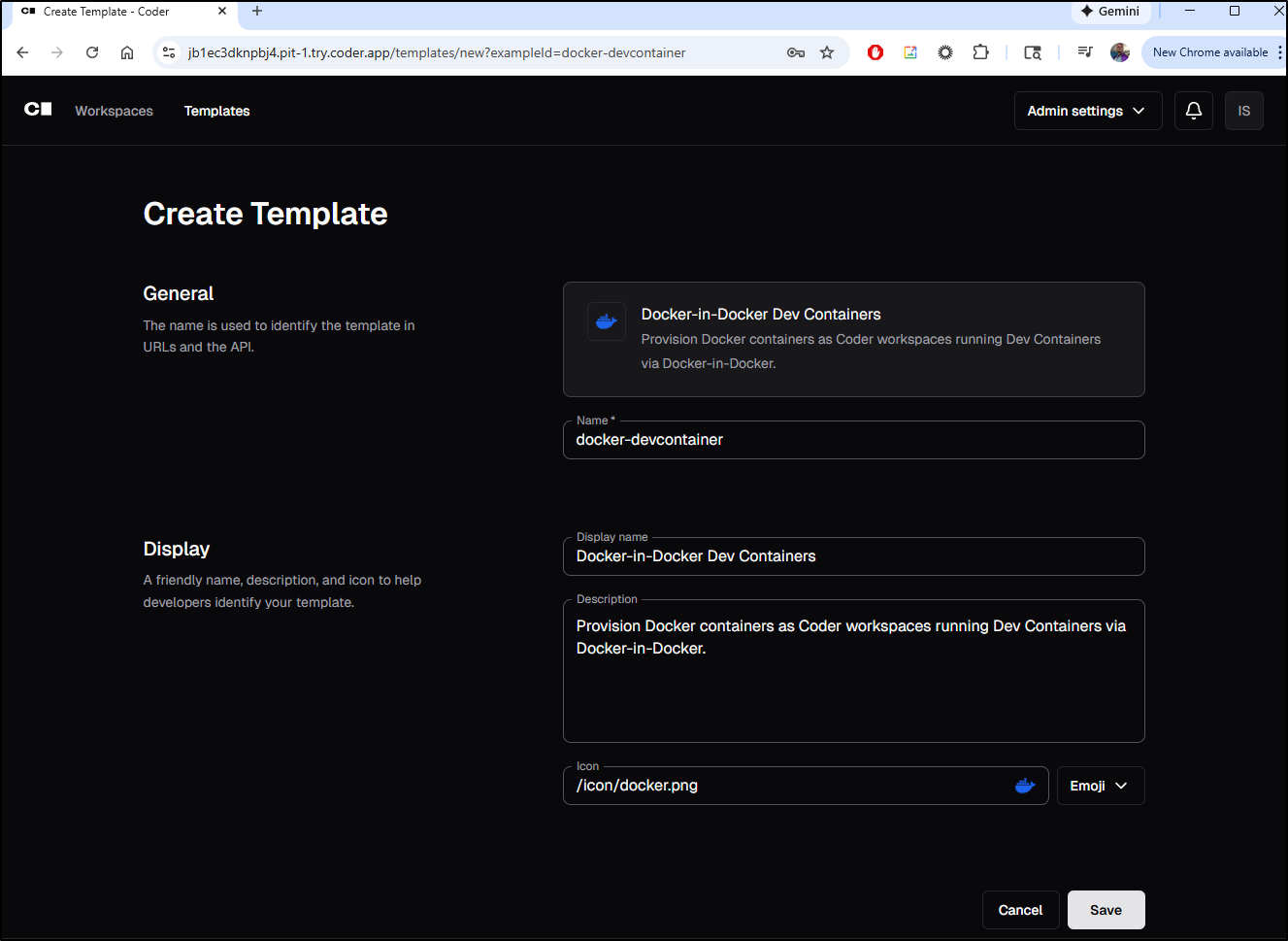
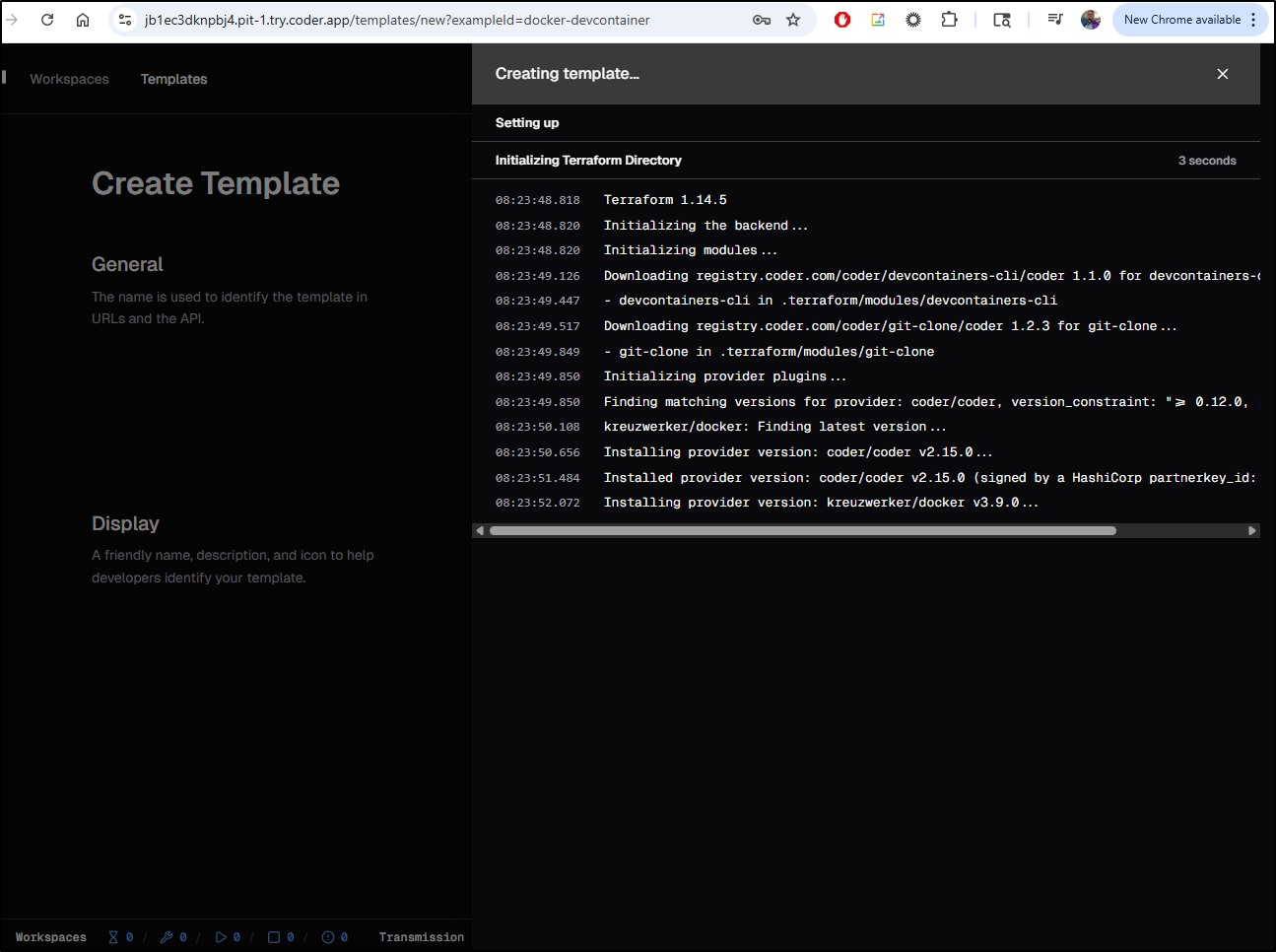
which then launched the template
We can then “create workspace”
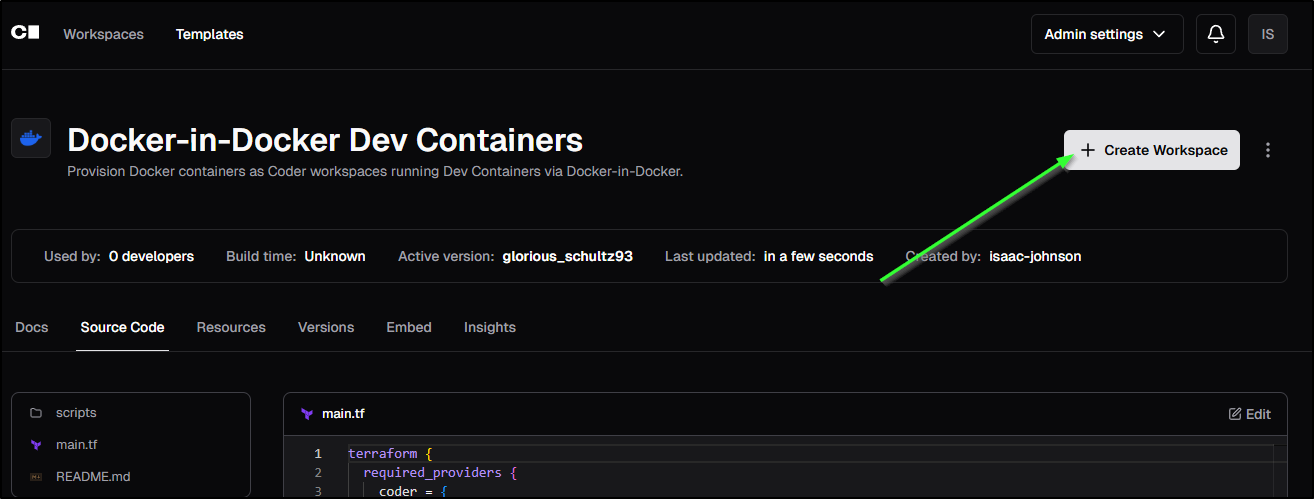
I’m not sure what will happen, but I’ll try adding a private git repo (it does have a devcontainer.json, but it’s not public and I see nowhere to add GIT credentials)
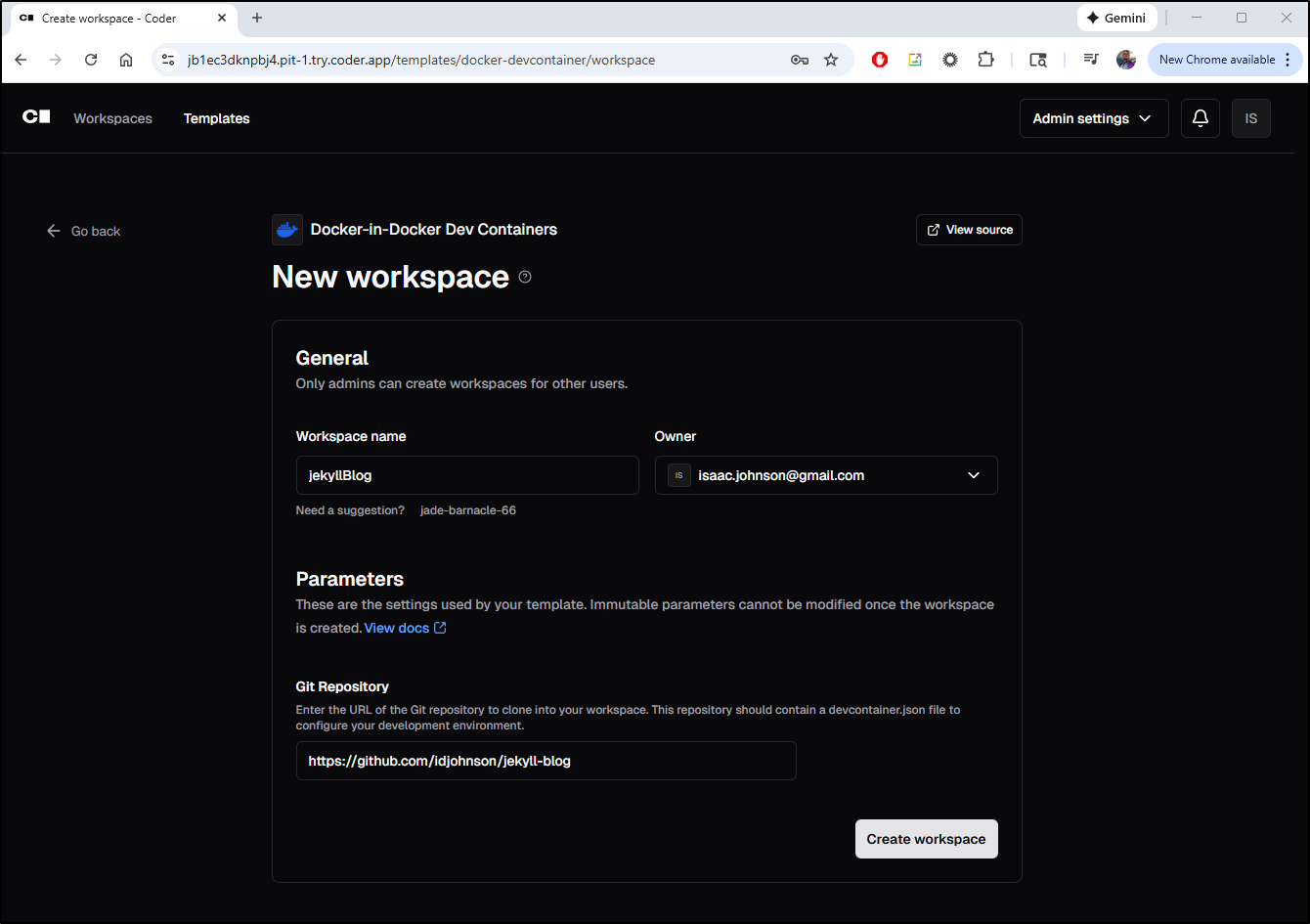
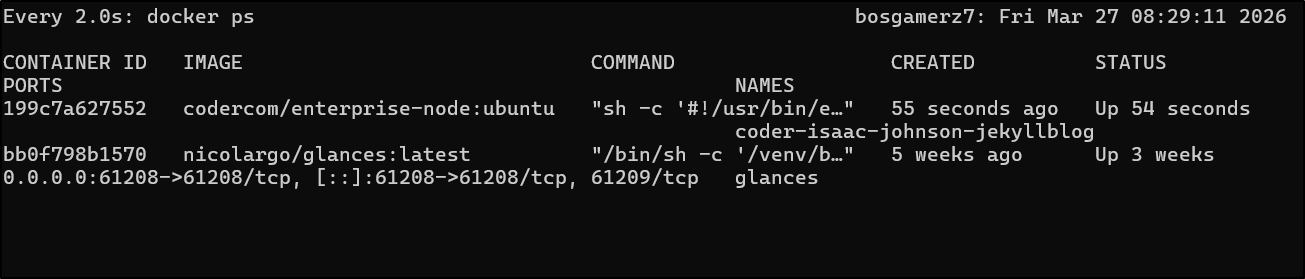
I can see a container was fired up on the host
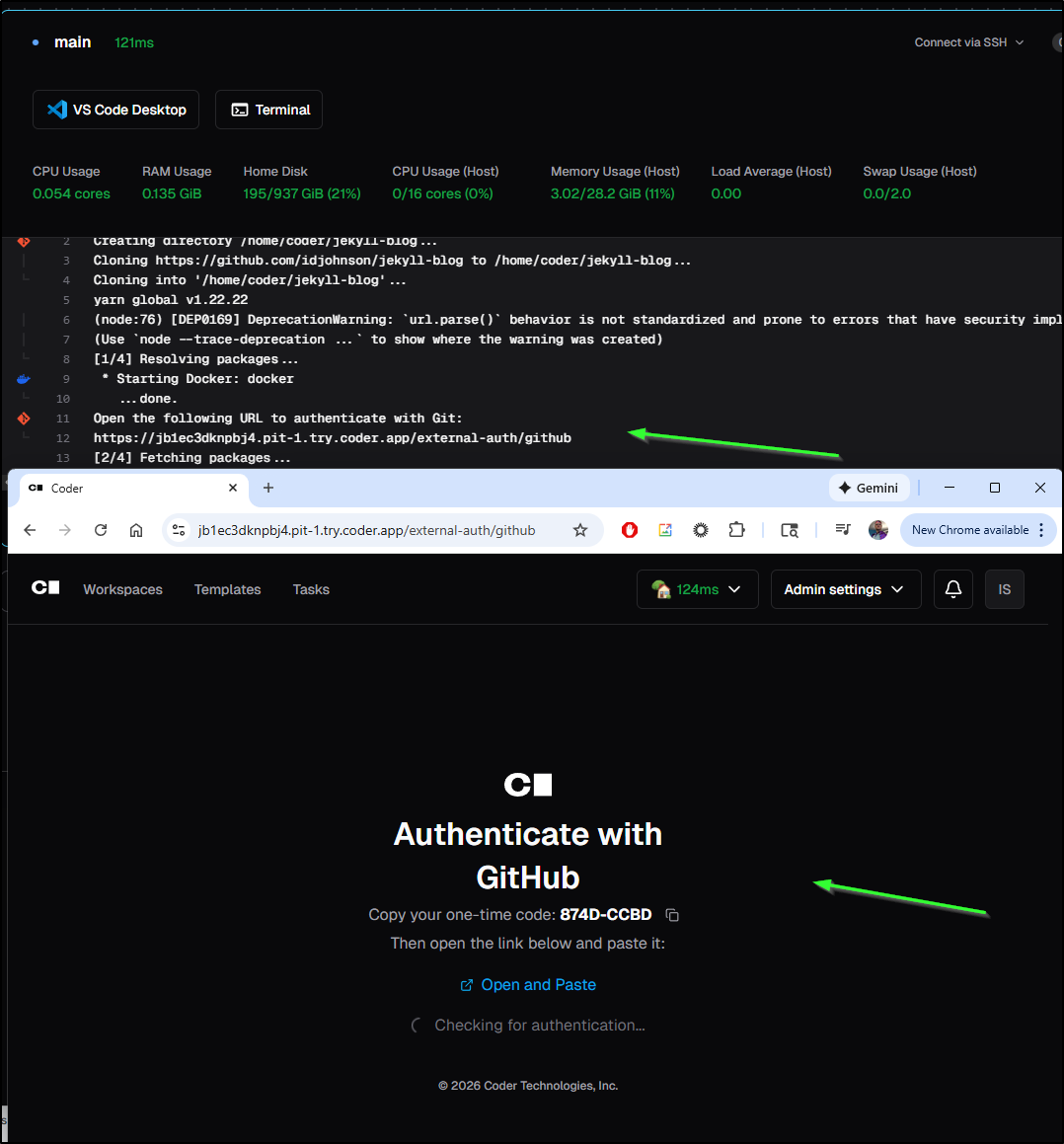
I didn’t see it right away, but in the startup logs it asked to setup a Code app to see my repo
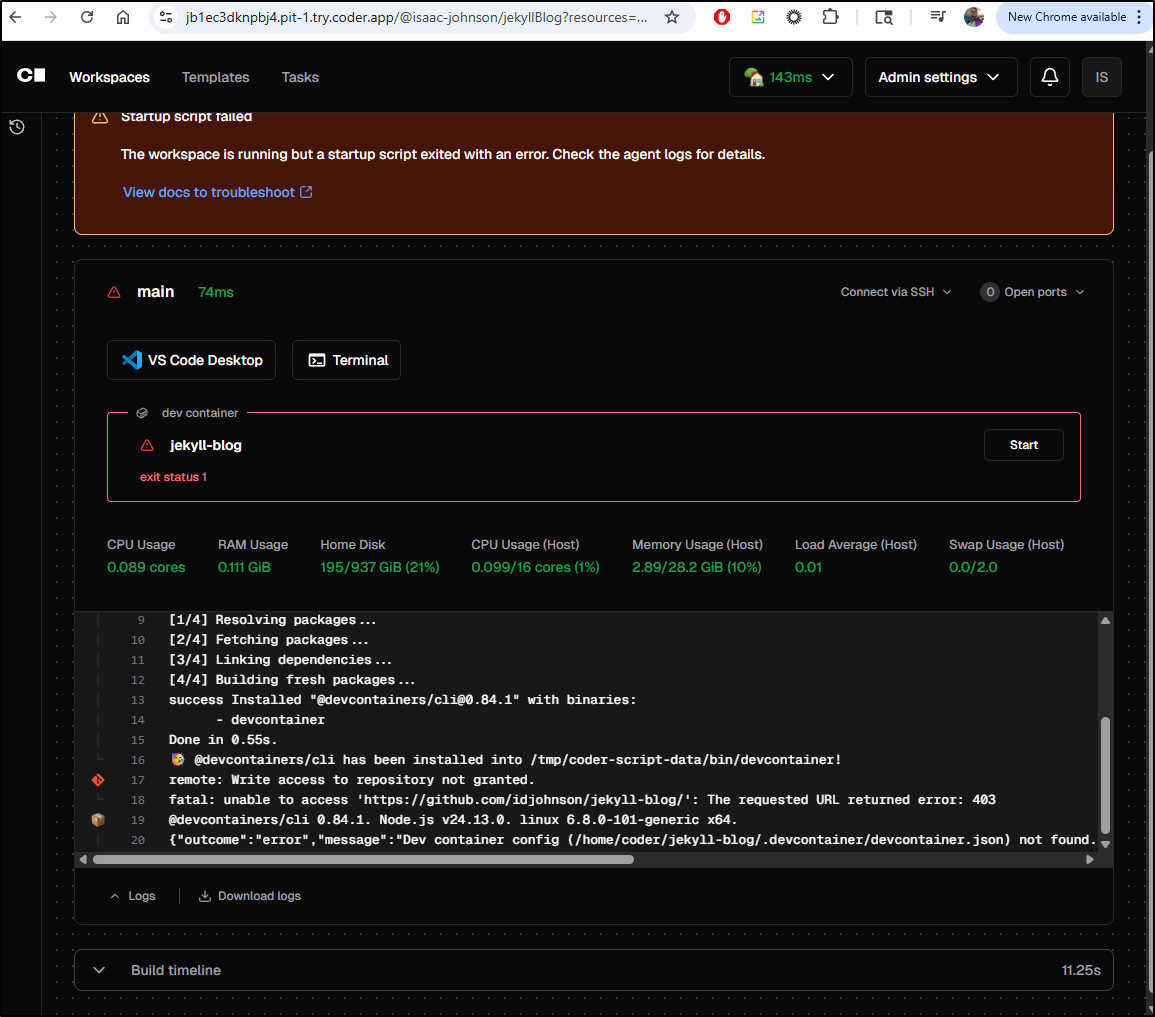
But even restarting failed to work and there really isn’t any details on how to sort this out.
While the DinD didn’t give me a code server, i tried adding the Docker Container one (not Docker in Docker), then using that for a new workspace
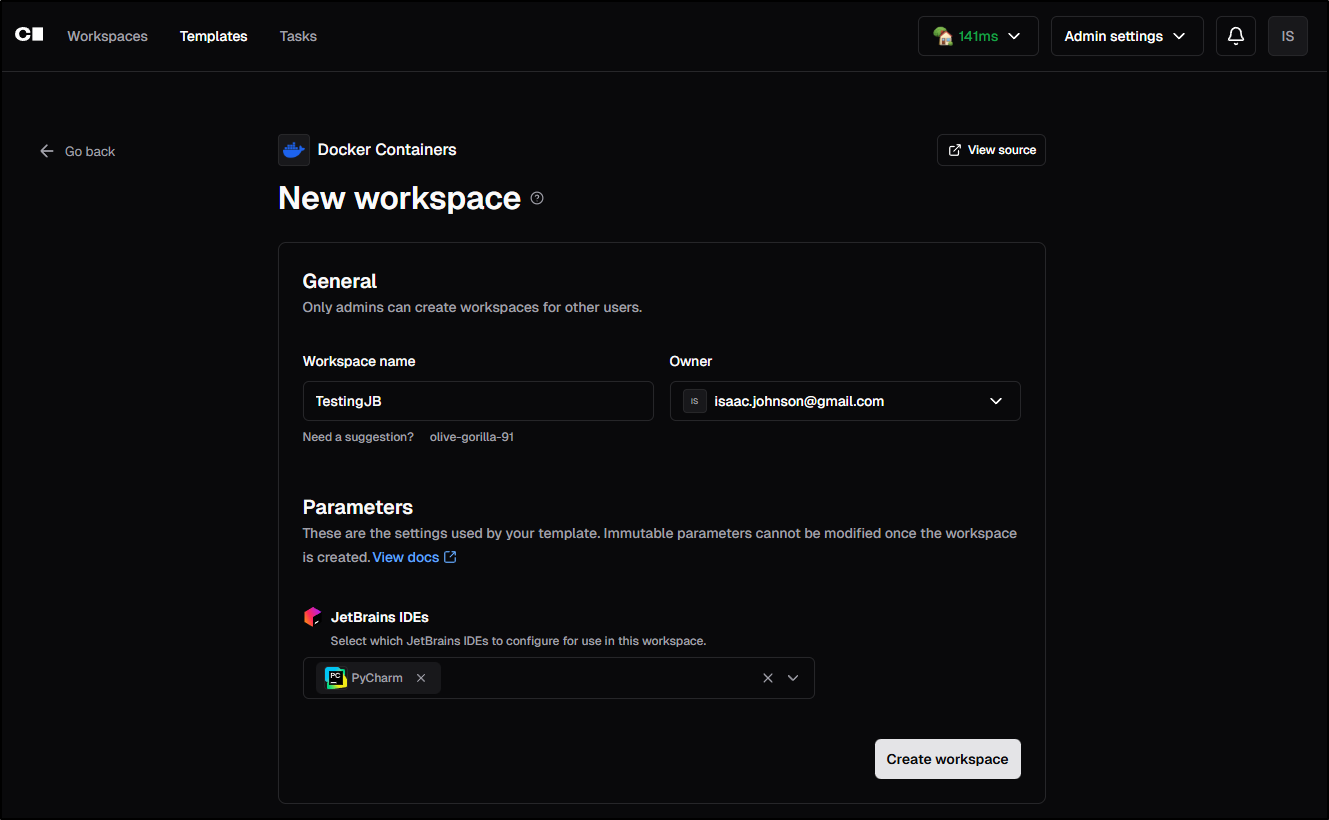
That fired up with a Code server. I can see we can use Github Copilot
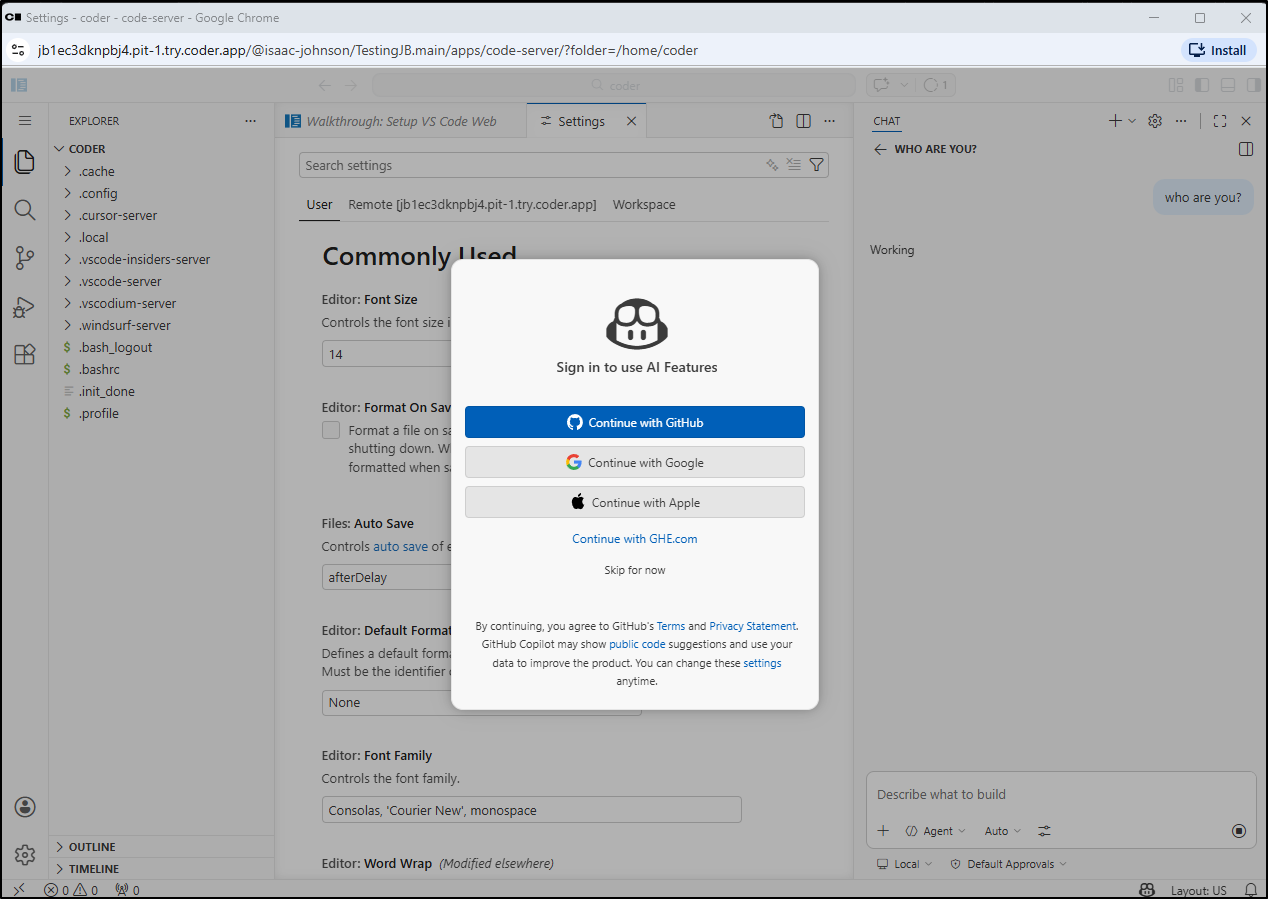
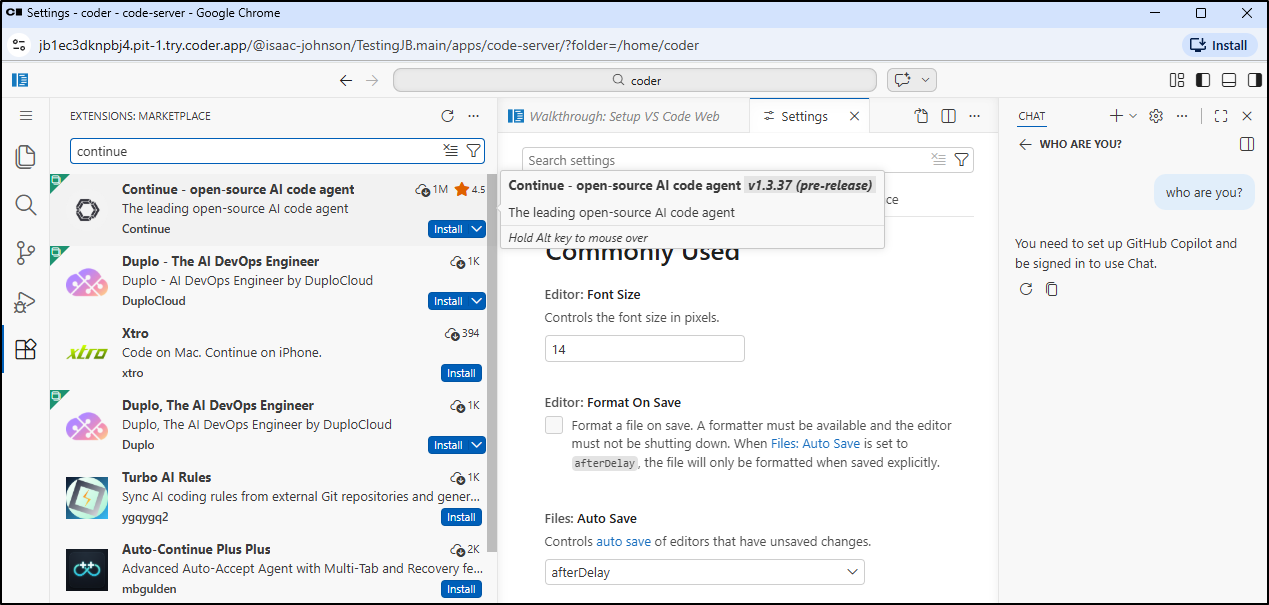
But we can also use local models with the Continue.dev plugin
I’ll add an embedded, autocomplete and two chat models. Note, they use different servers in my network so i need to set the apiBase as well
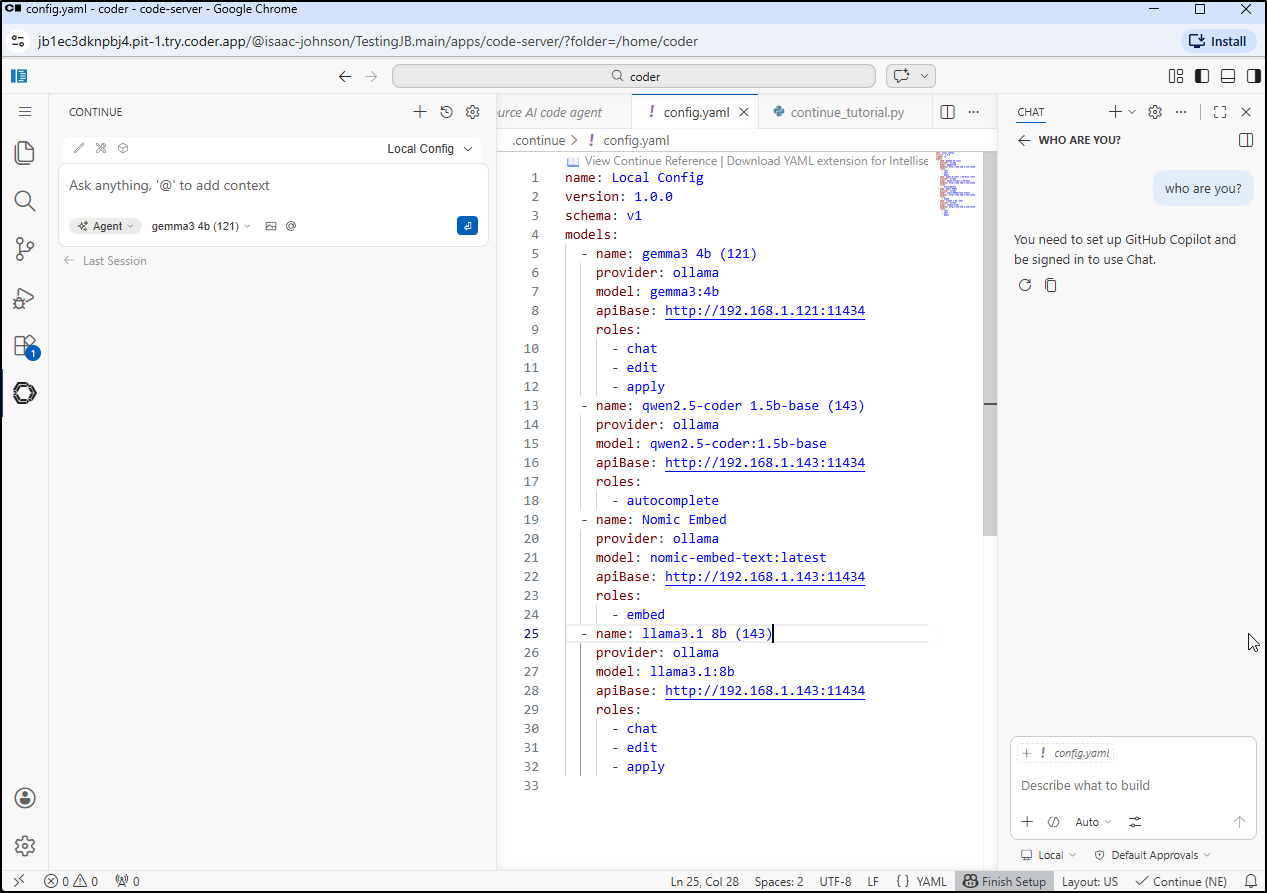
Here we can see it in action
Hopefully one can appreciate what is going on above - I am using a reverse proxy tunnel to a shuttle Linux host that is running coder.
The coder workspace is then using a Continue.dev plugin to reach Ollama - both on that same host as well as a different Ollama host in my network.
This basically means I can have a Coding self hosted system entirely self contained.
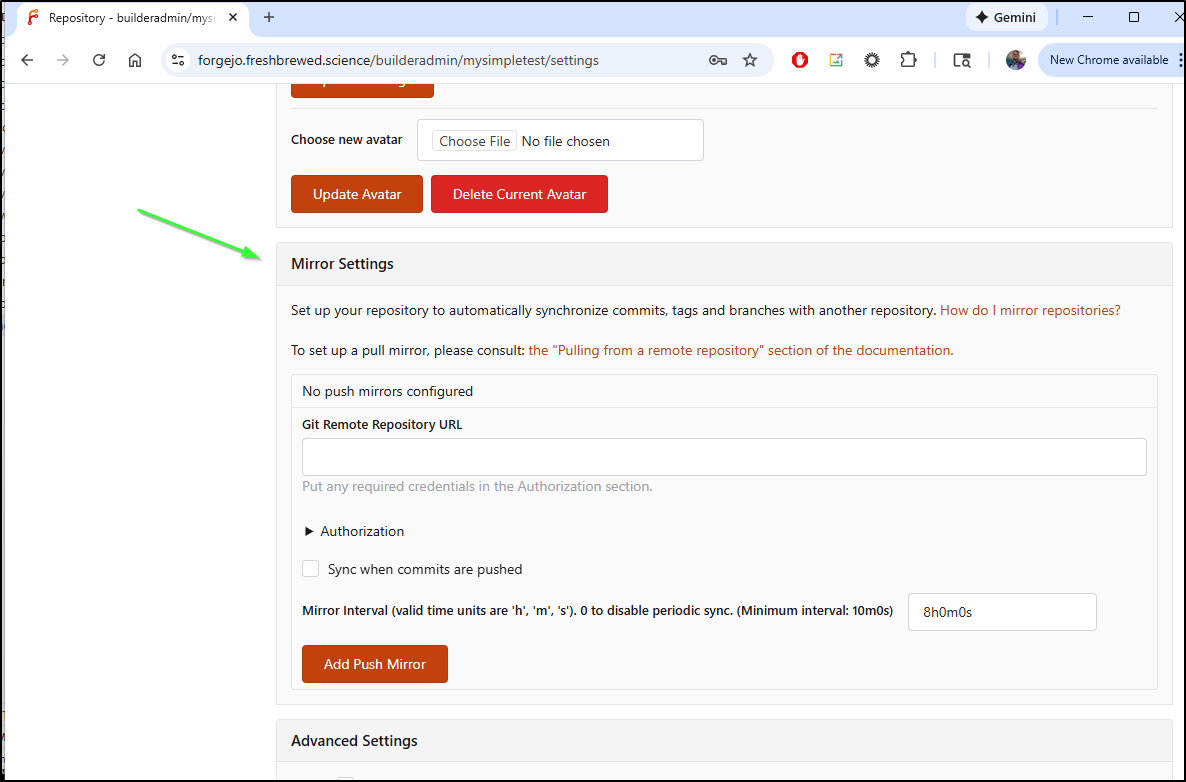
When adding in a Gitea or Forgejo repo, we can even host our GIT code in-network safely as well (safely is a relative term… For my important code, i replicate between Forgejo and Gitea and for my most important code, I also sync it up to Codeberg)
And for reference, in both Forgejo and Gitea, those mirror settings are in main settings for each Repo
Summary
Today we circled back on Coder and upgrading my local Kubernetes based instance with helm. This initially didn’t go well, but what was really going on was my primary control plane server was acting up and ultimately I needed to reboot it. After a reboot, most of my services in Kubernetes started to behave again including Coder.
I fired up a containerized K8s-based workspace and initially tried to get Github Copilot to work (but as it won’t install properly anymore in codeserver instances, it was a no-go). I pivoted to Google Code Assist (GCA) which worked just fine to build a hello world python app, show it running then push it to a fresh repo in Gitlab.
I also explored running Coder natively on a Linux host. When one does it this way, there is a reverse proxy created on coder.app. We then connected there to create a new user and attempted to Auth to Github, but could not solve private repo access that way. However, we easily setup Docker-in-Docker as well Docker based containers using the Continue.dev plug for LLM usage against local infrastructure. Lastly, we saved our code out in a private Forgejo repository.
While I didn’t need to use VPN access as the LLM host was in the same 192.168 address space, this diagram covers the general setup
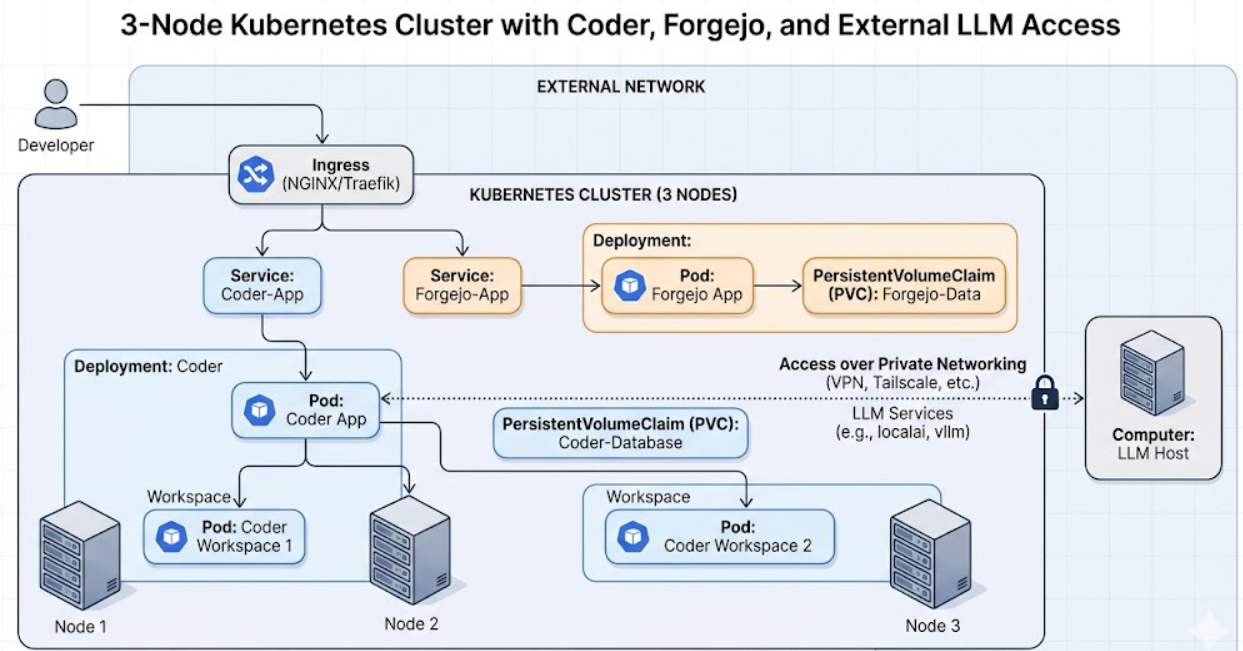
This means we have the best of both worlds - some use of SaaS services like Gitlab, Github and GCA, but by no means are we required to use them as we can host our GIT with Gitea/Forgejo just as easily. And while Cloud hosted LLMs have more speed and power than a shuttle PC in my network, using smaller 8b models does work at the cost of speed.